Full Stack Web Development Lab

Experiment outputs

Download full handwritten record (PDF)

Experiment 1 — HTML Basics
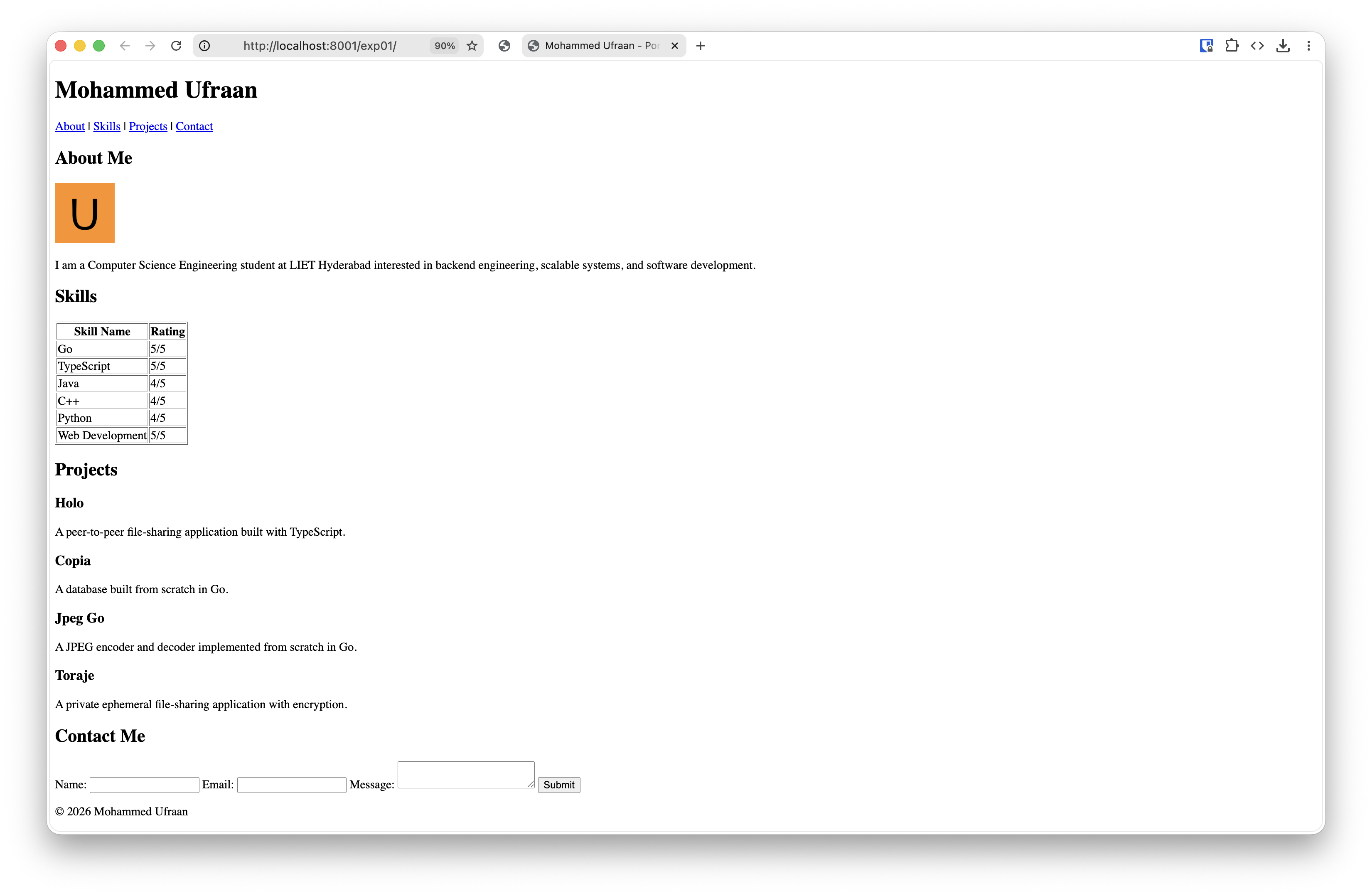
Portfolio page structure
Portfolio page structureDownload
Experiment 2 — CSS Styling
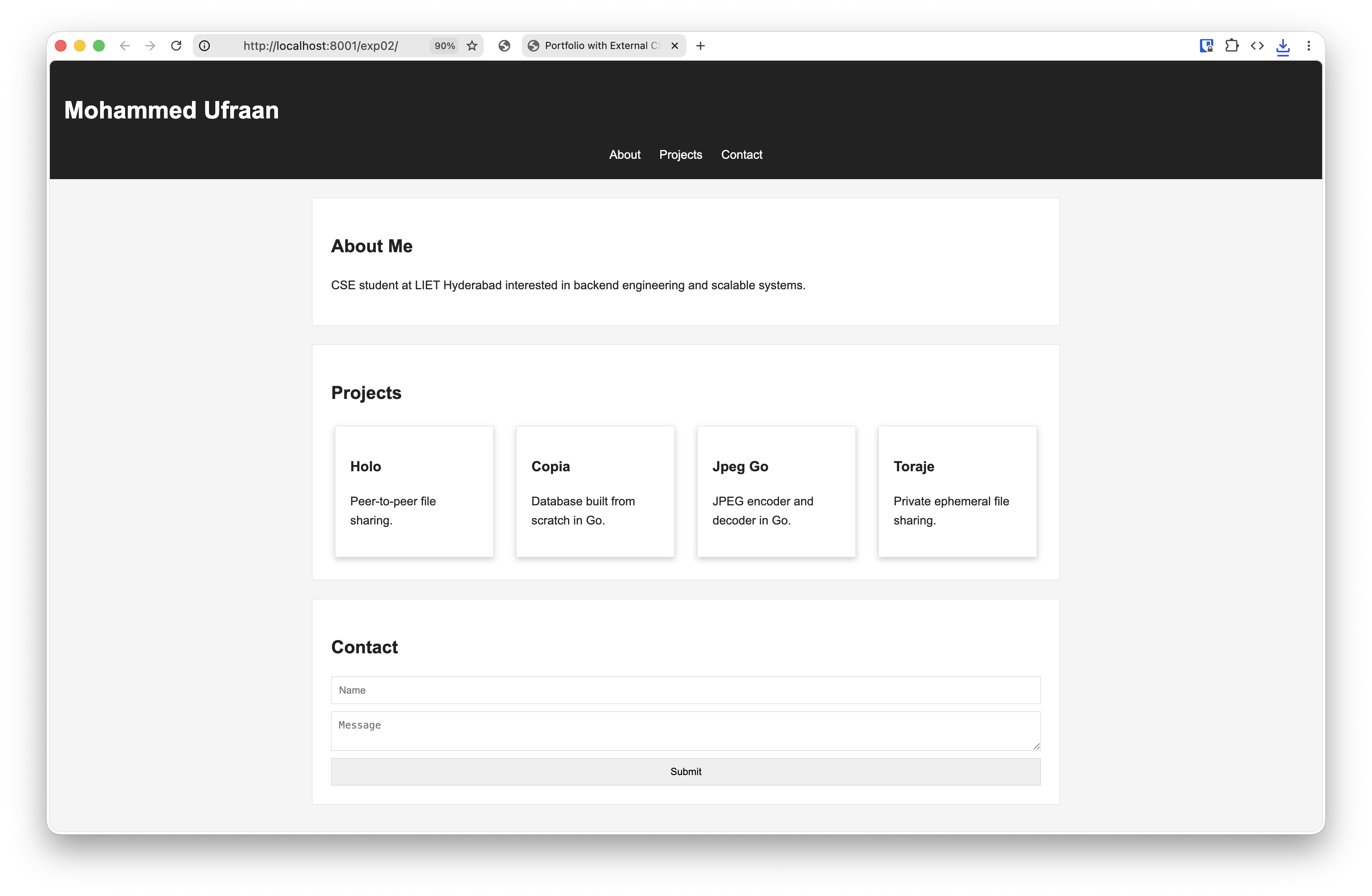
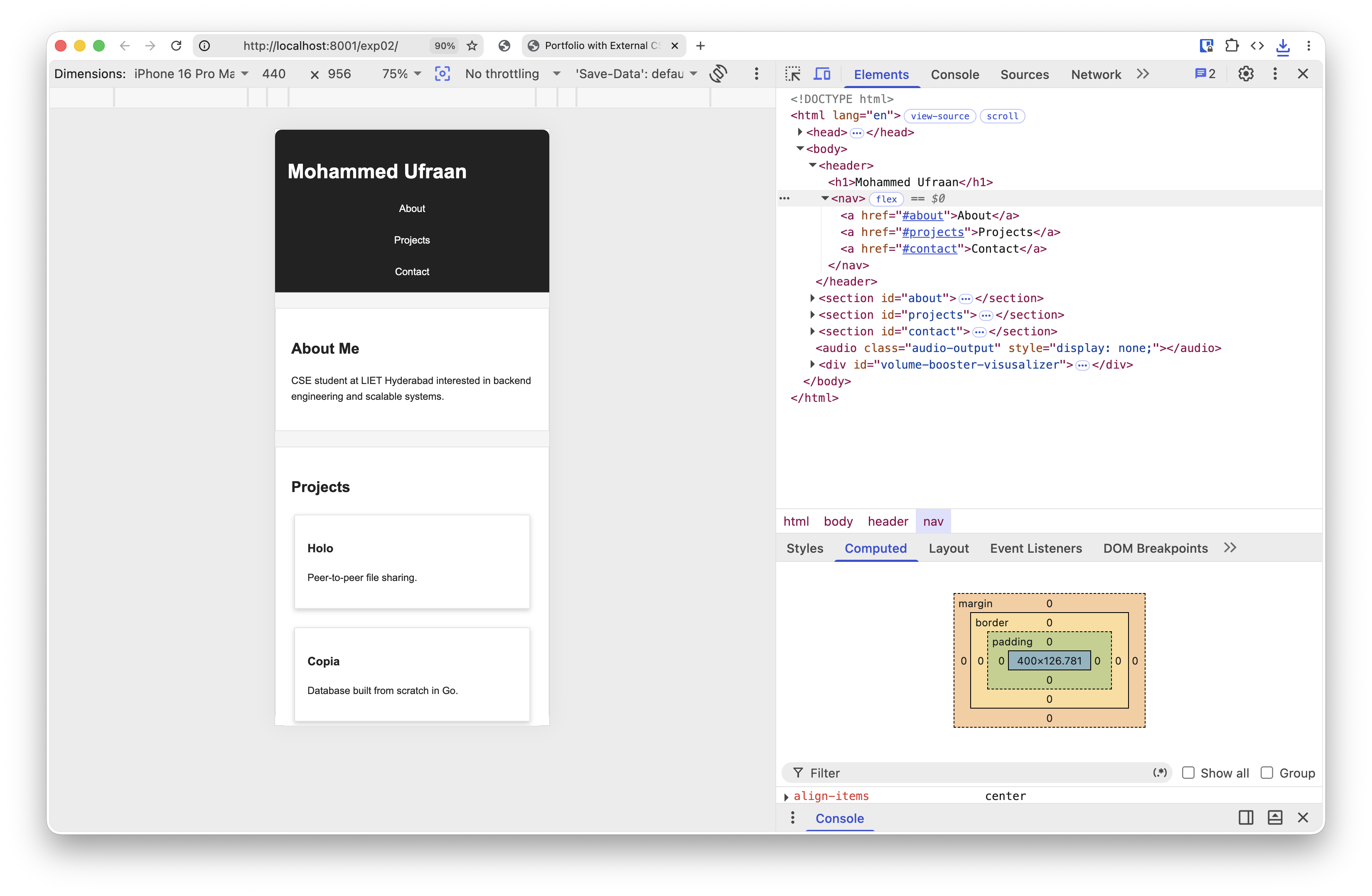
Portfolio page with CSS
Portfolio page with CSSDownload
Responsiveness
ResponsivenessDownload
Experiment 3 — JavaScript Basics
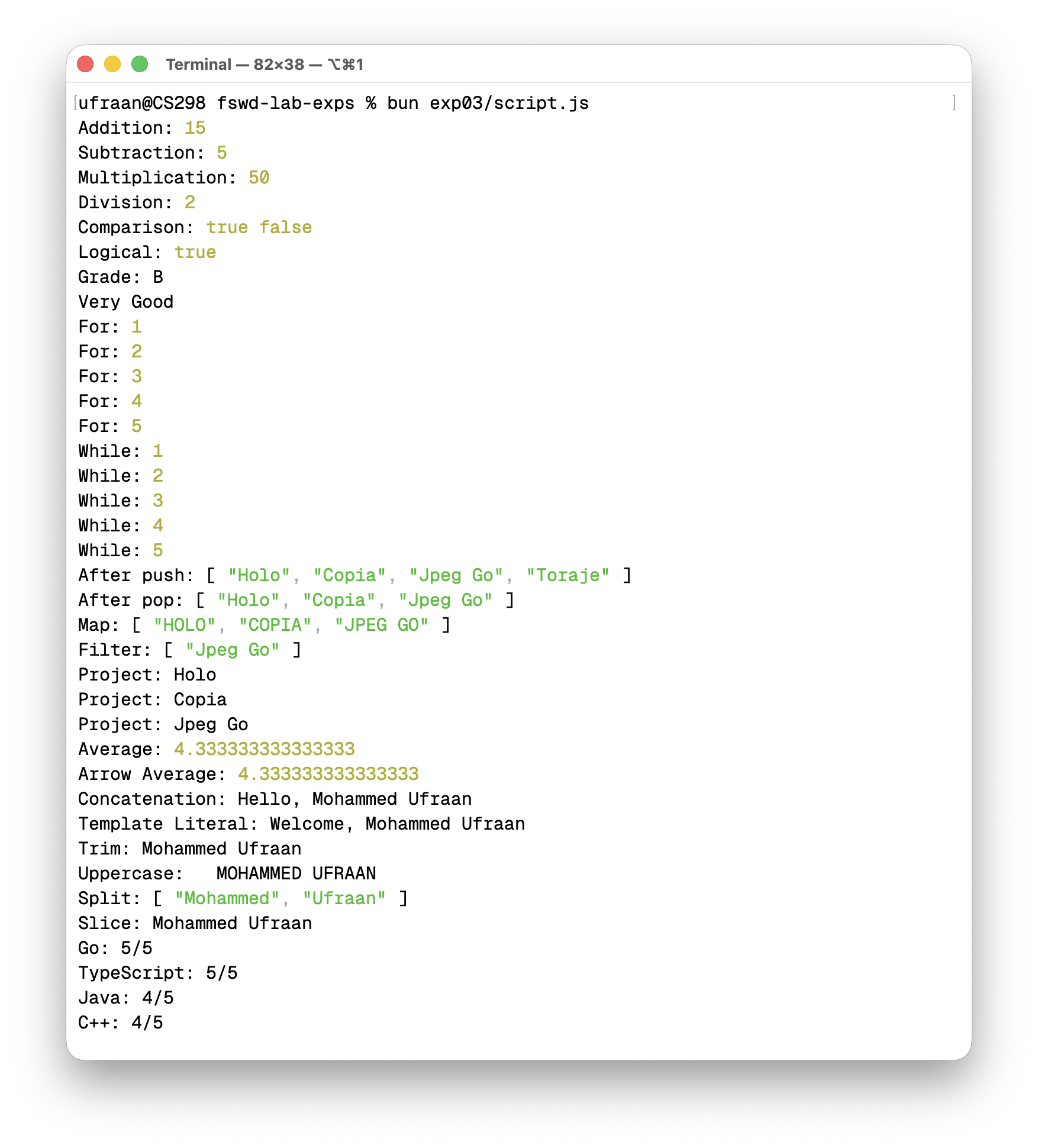
Console output
Console outputDownload
Experiment 4 — DOM Manipulation
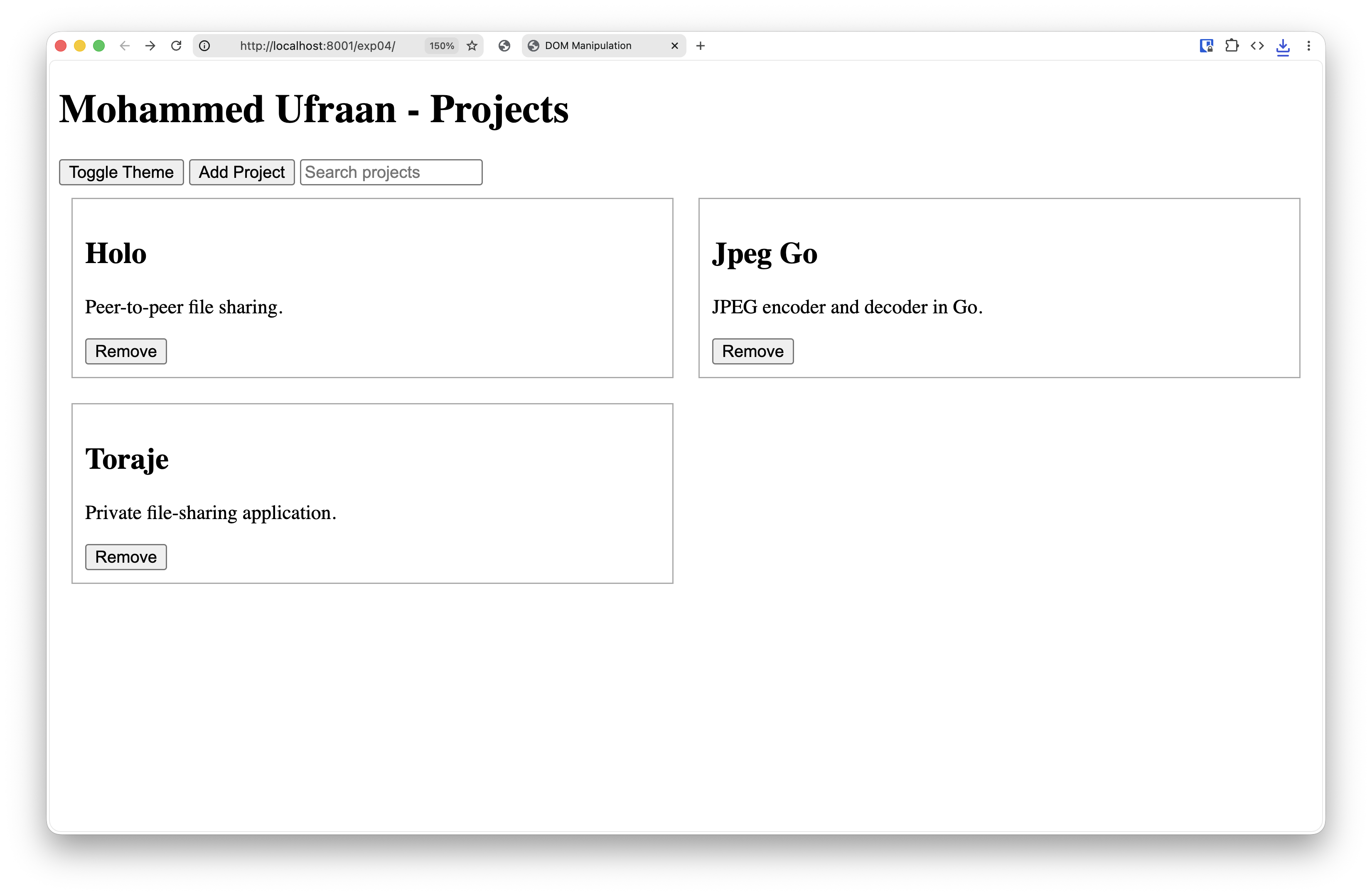
Light theme
Light themeDownload
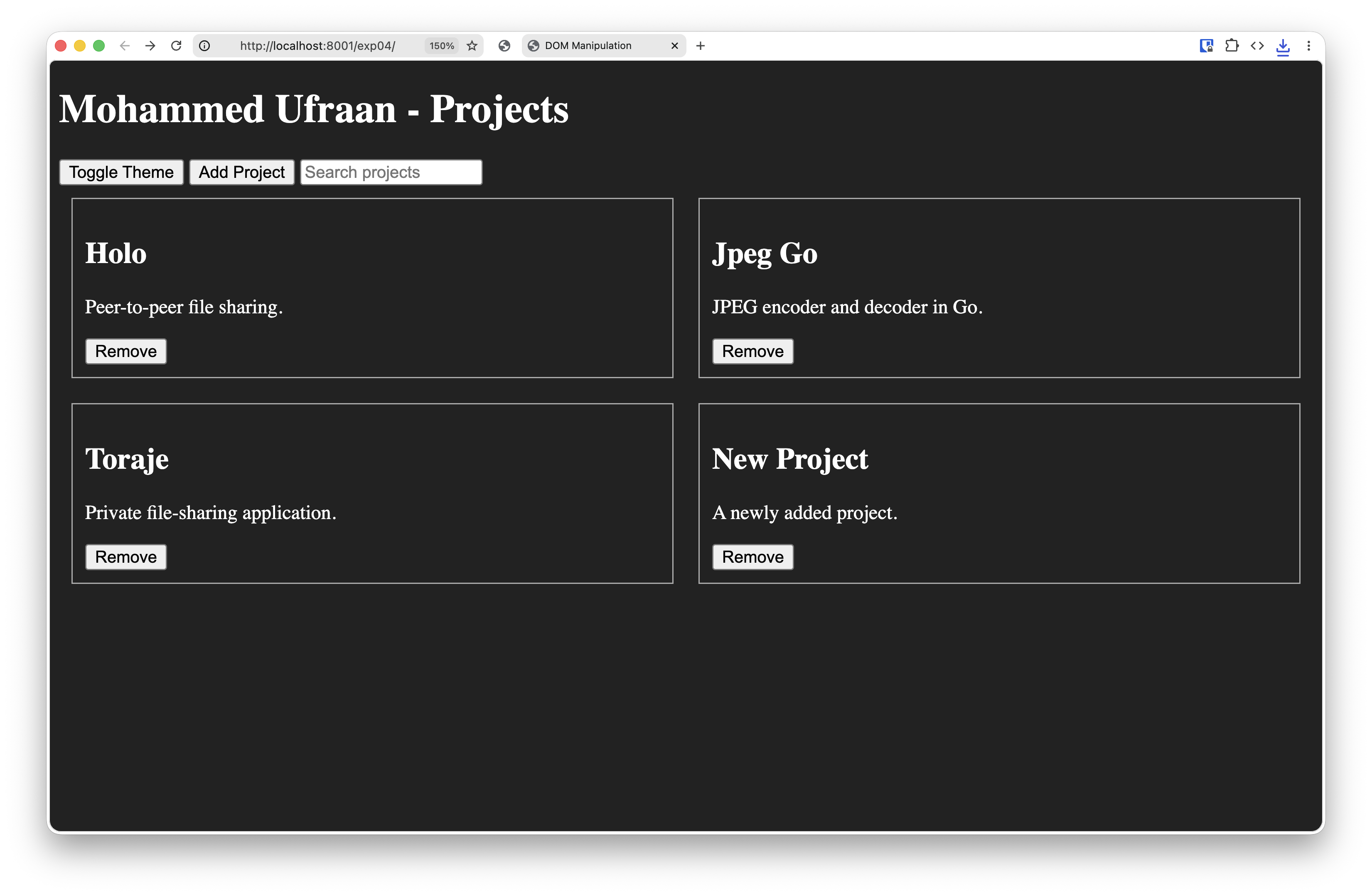
Dark theme
Dark themeDownload
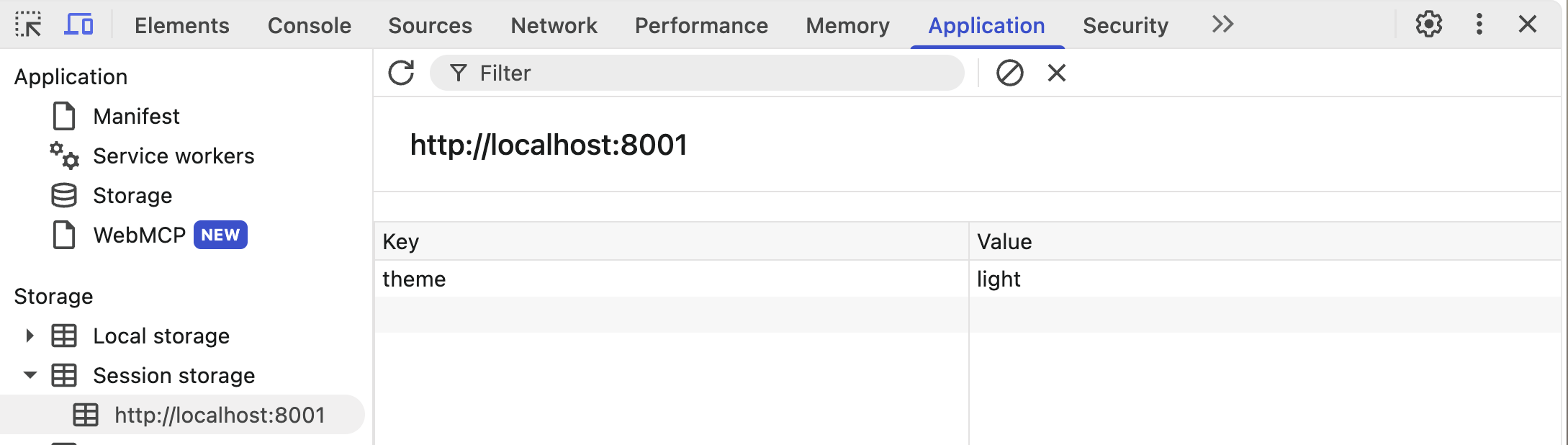
Session storage — theme key/value
Session storage — theme keyDownload
Experiment 5 — Form Validation
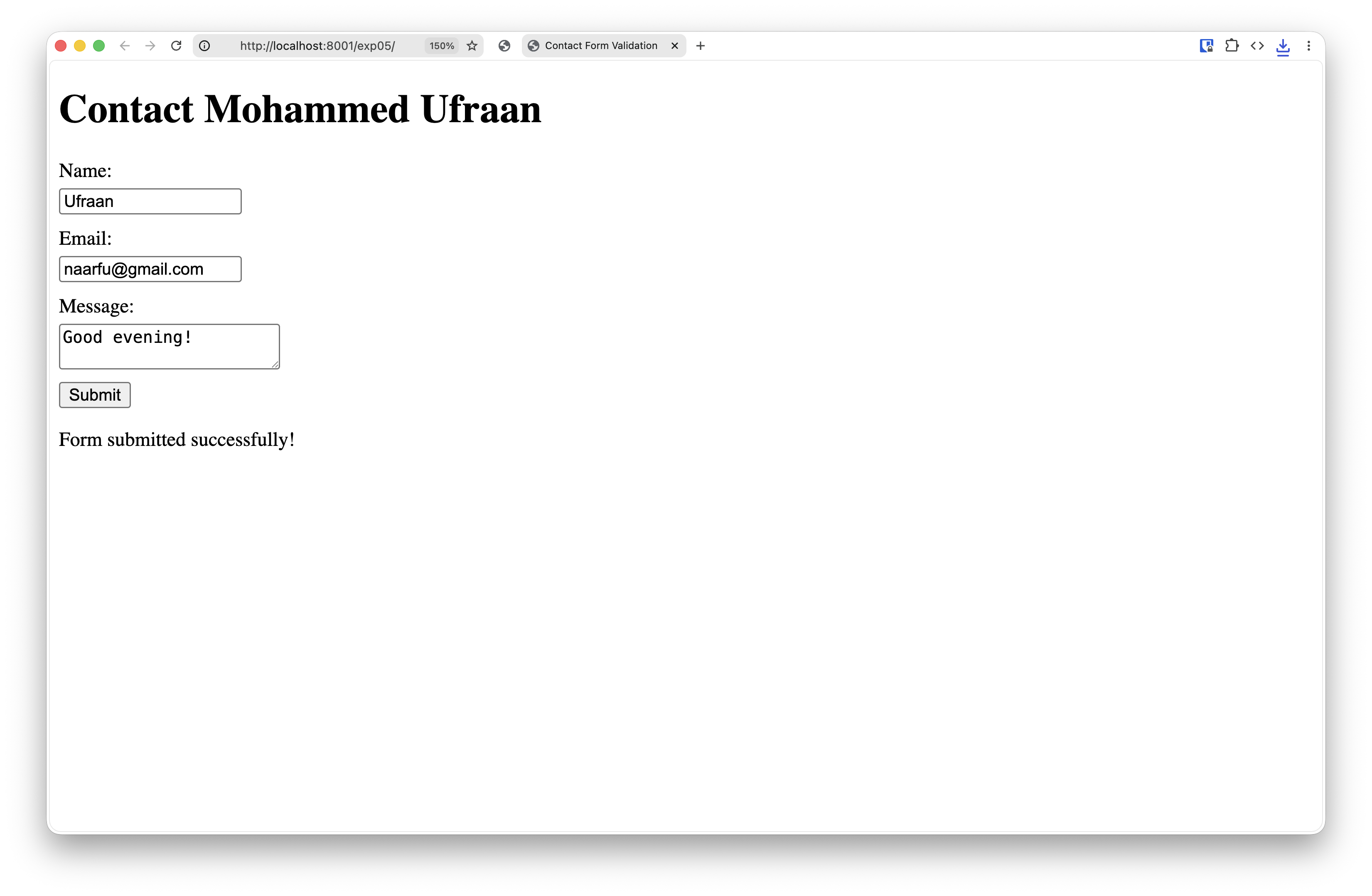
Contact form
Contact formDownload
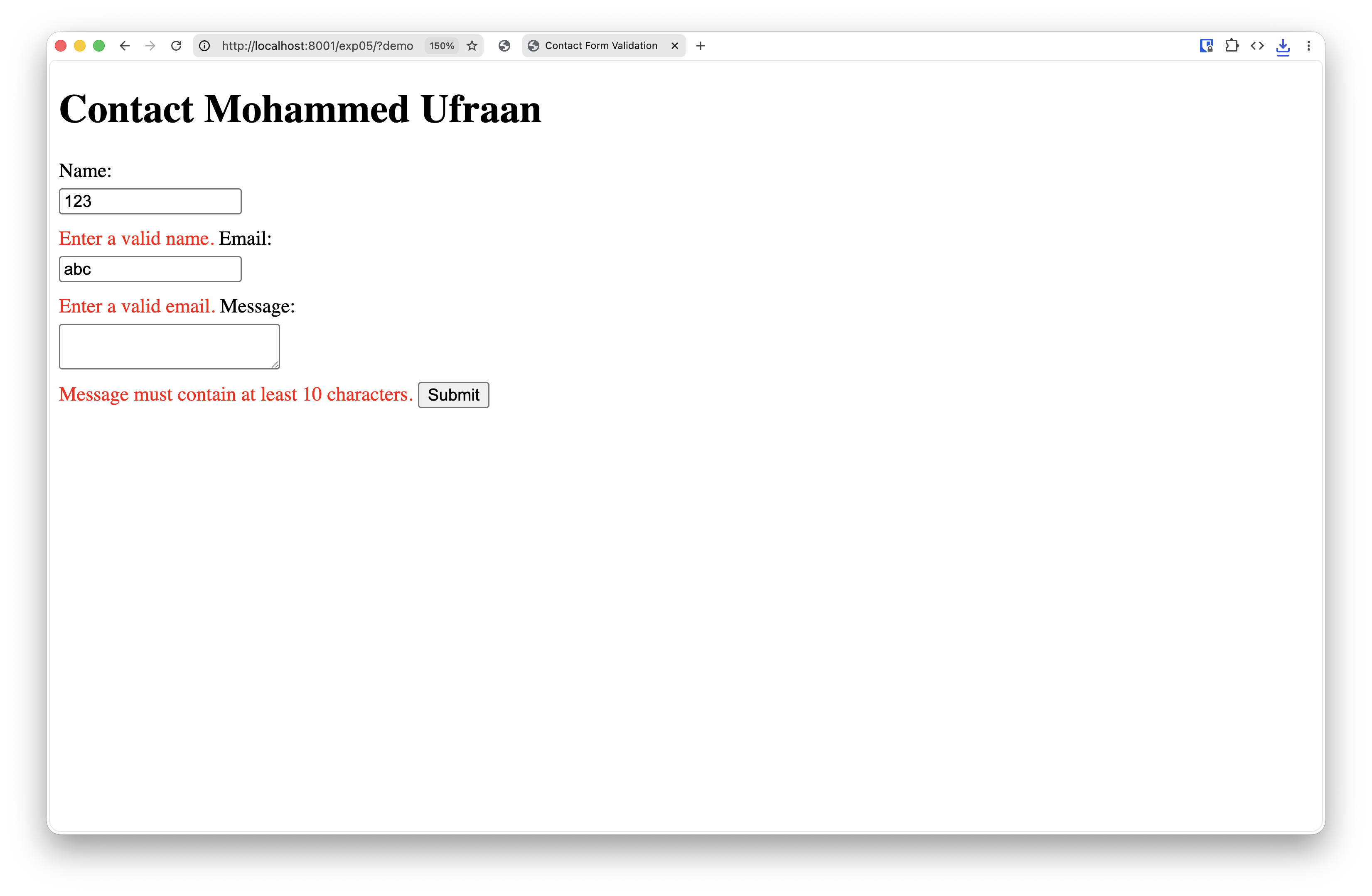
Validation errors
Validation errorsDownload
Experiment 6 — Fetch API (GitHub)
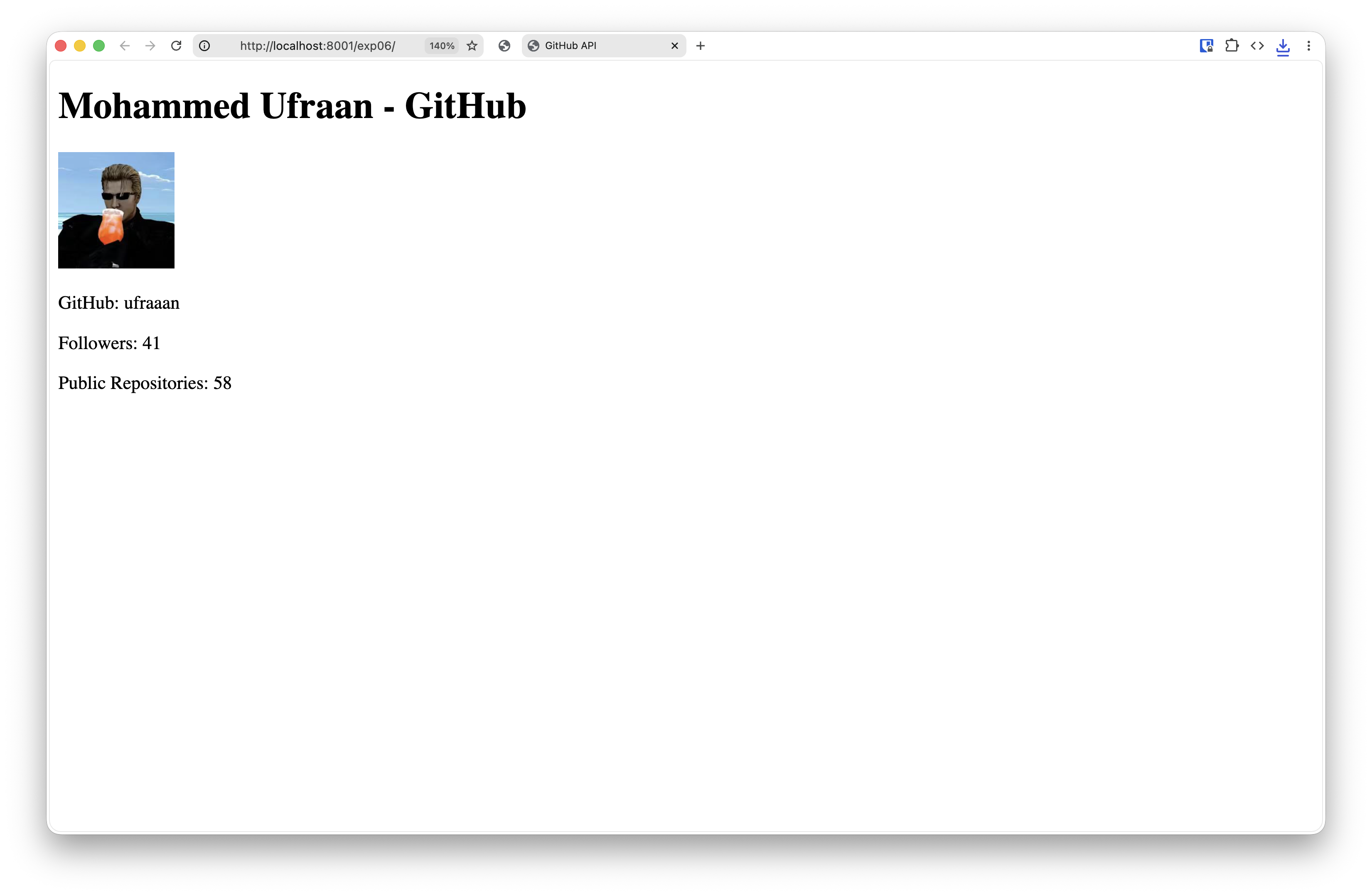
Site view
Site viewDownload
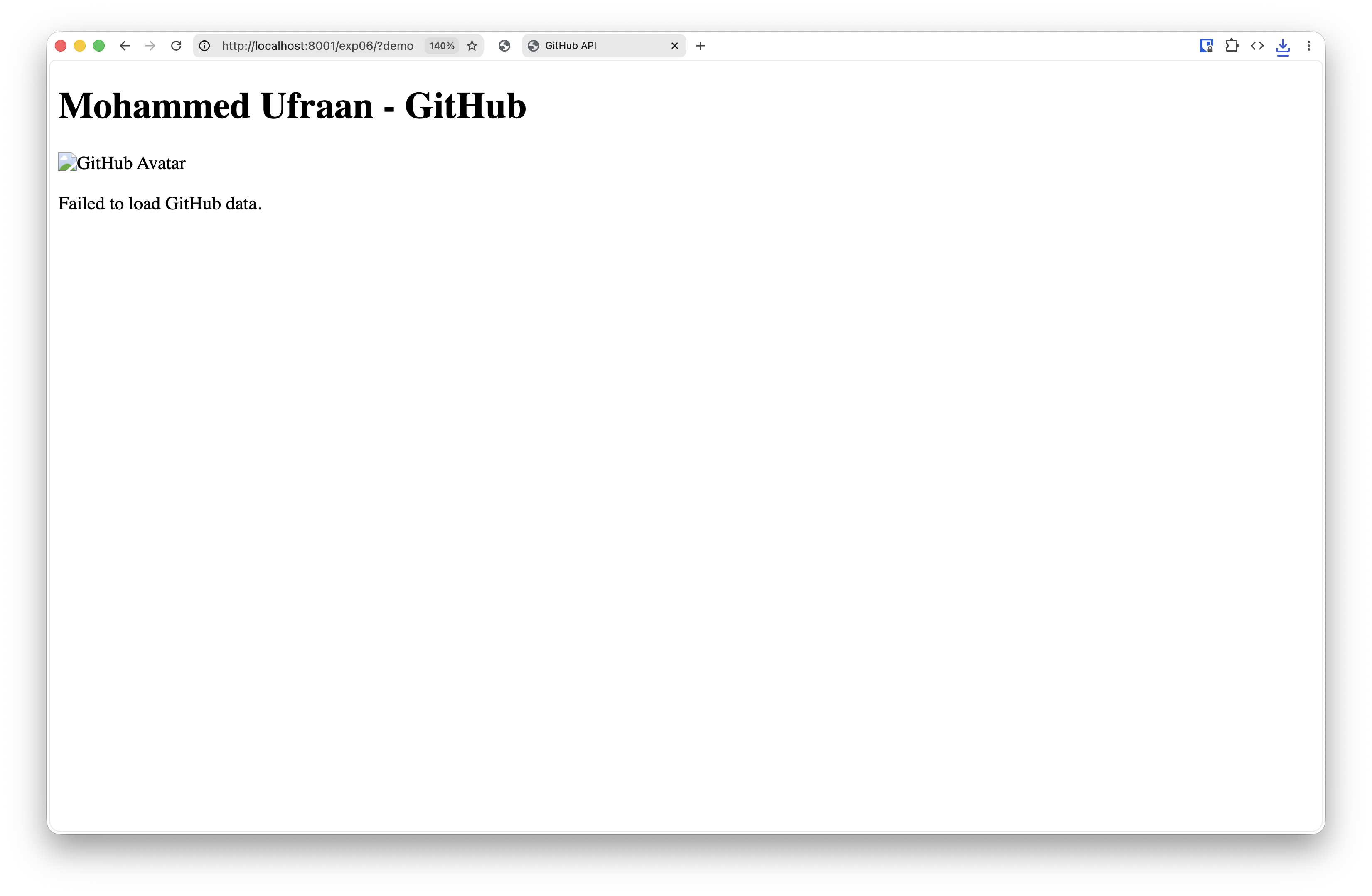
Failed fetch
Failed fetchDownload
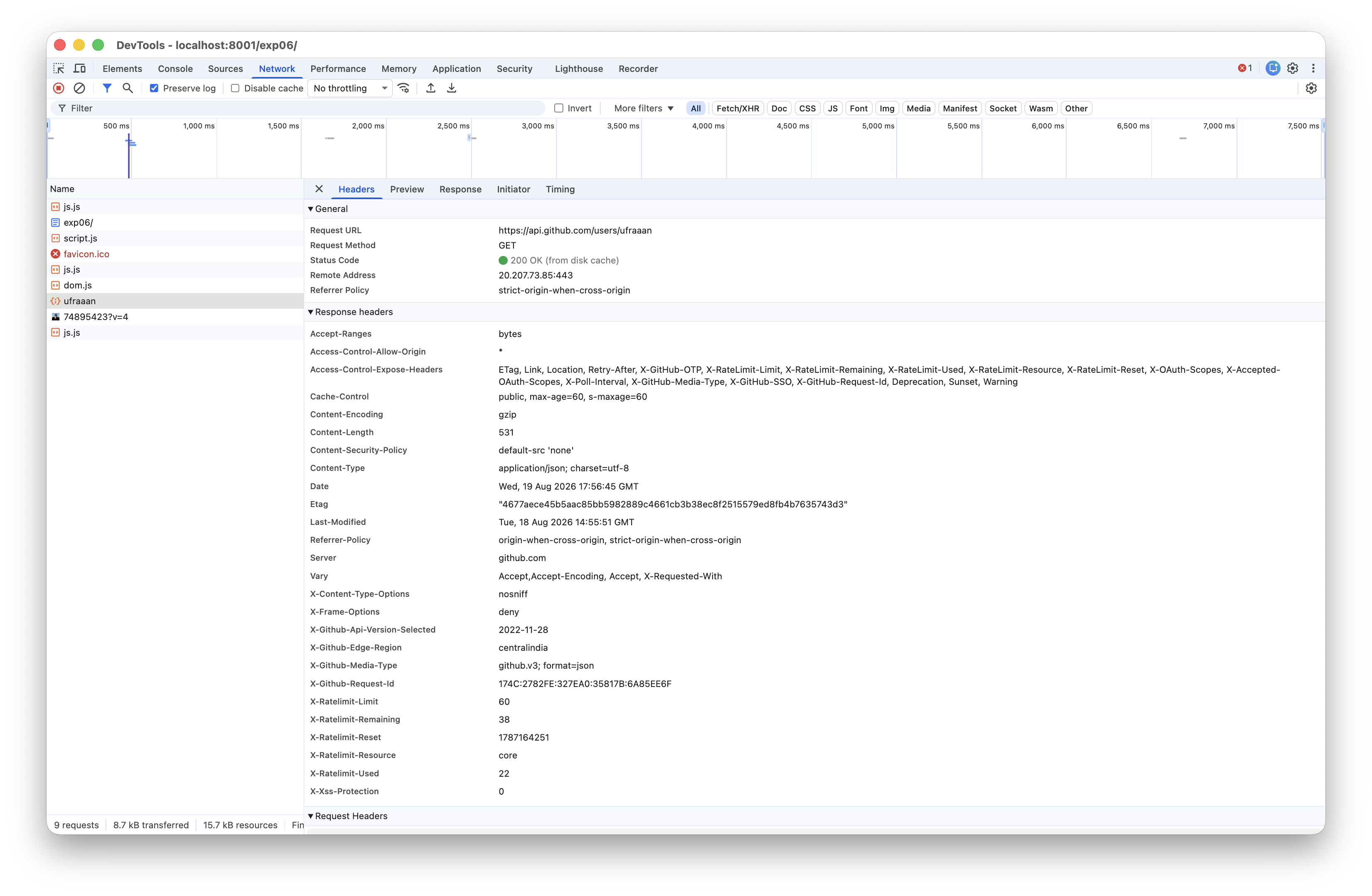
Network tab — request headers & URL
Network tab — headers & URLDownload
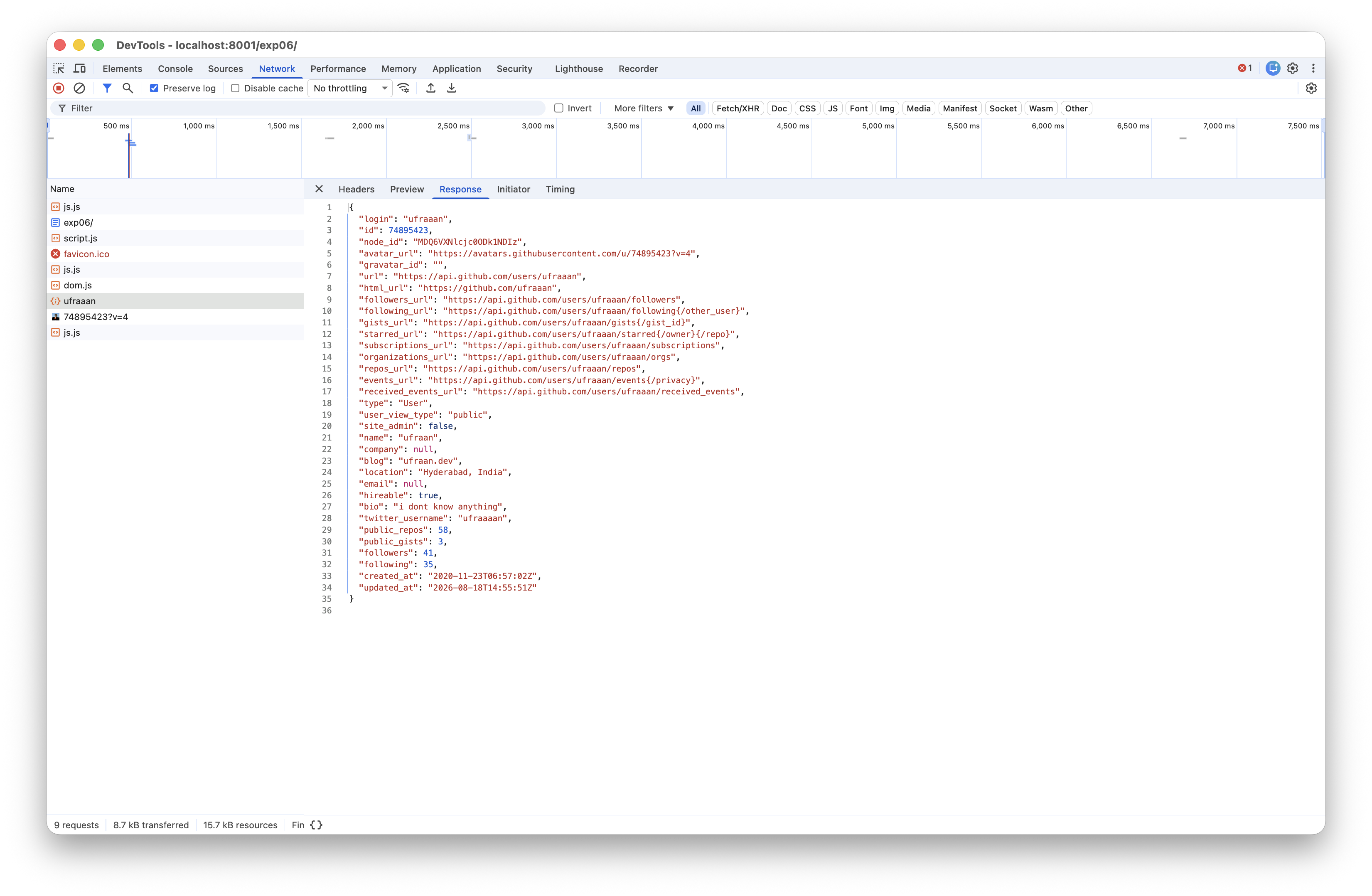
Network tab — response JSON
Network tab — response JSONDownload
Experiment 7 — React Portfolio
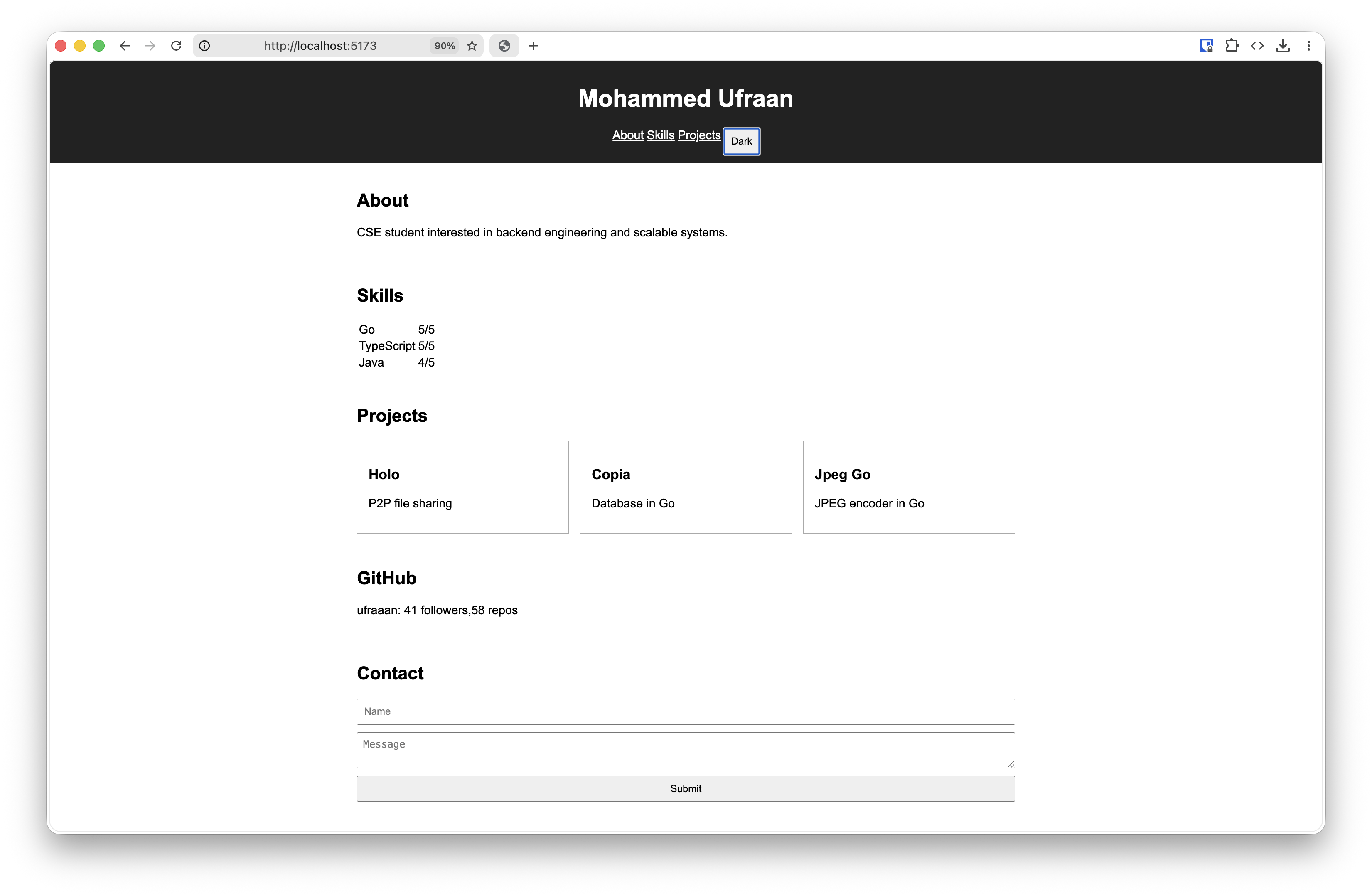
Light theme
Light themeDownload
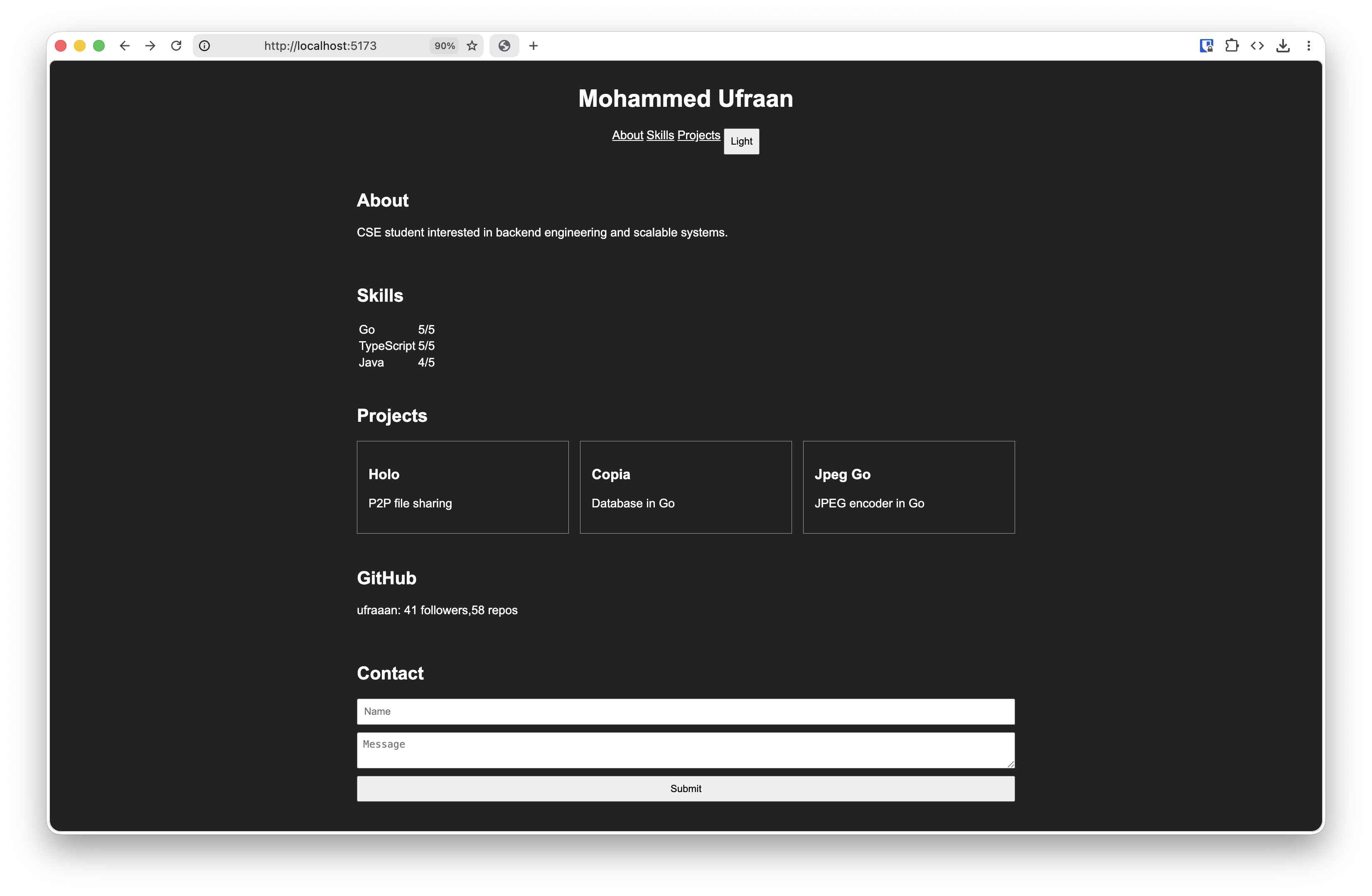
Dark theme
Dark themeDownload
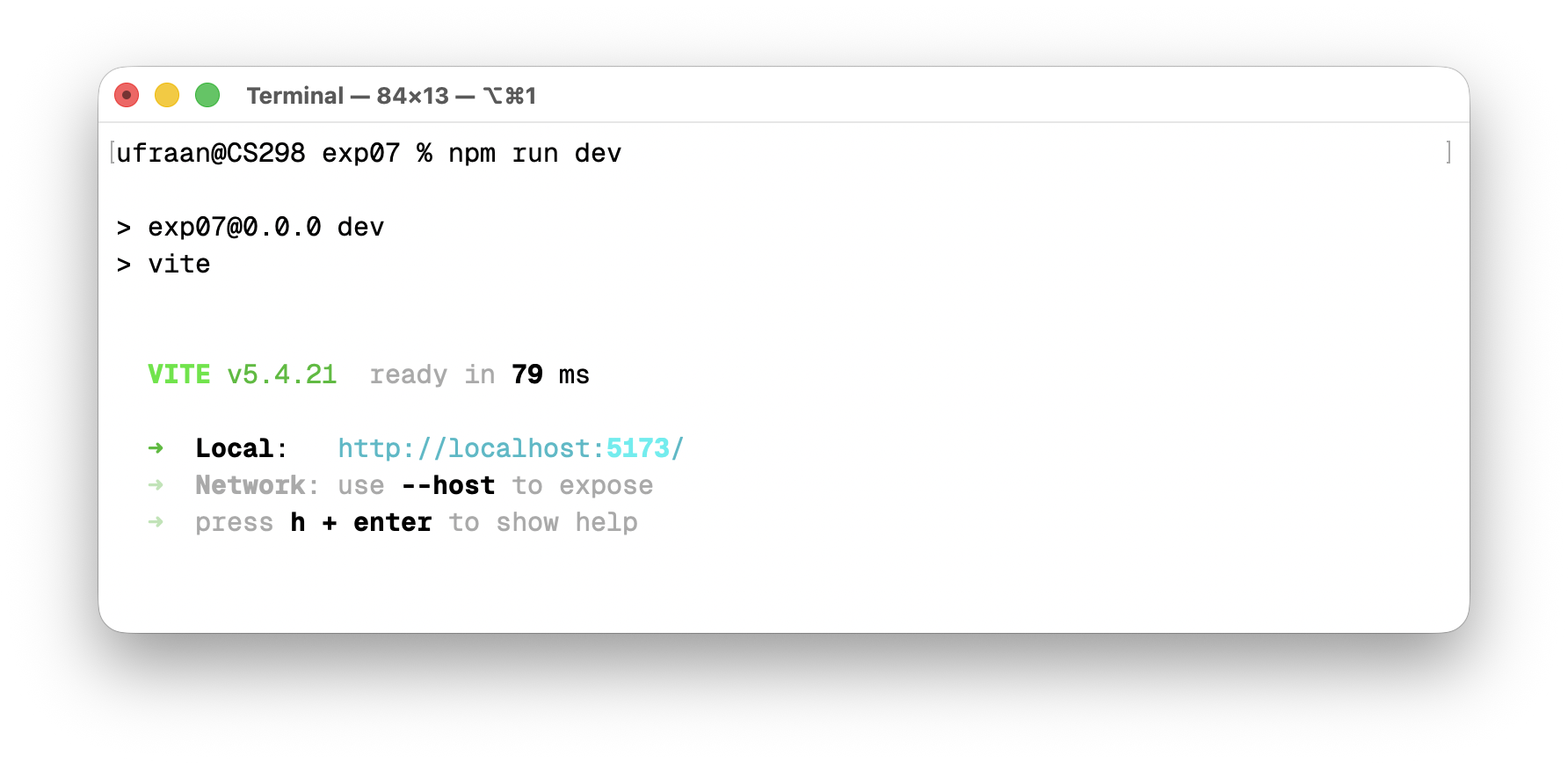
Terminal — npm run dev
Terminal — npm run devDownload
Experiment 8 — Node.js Server
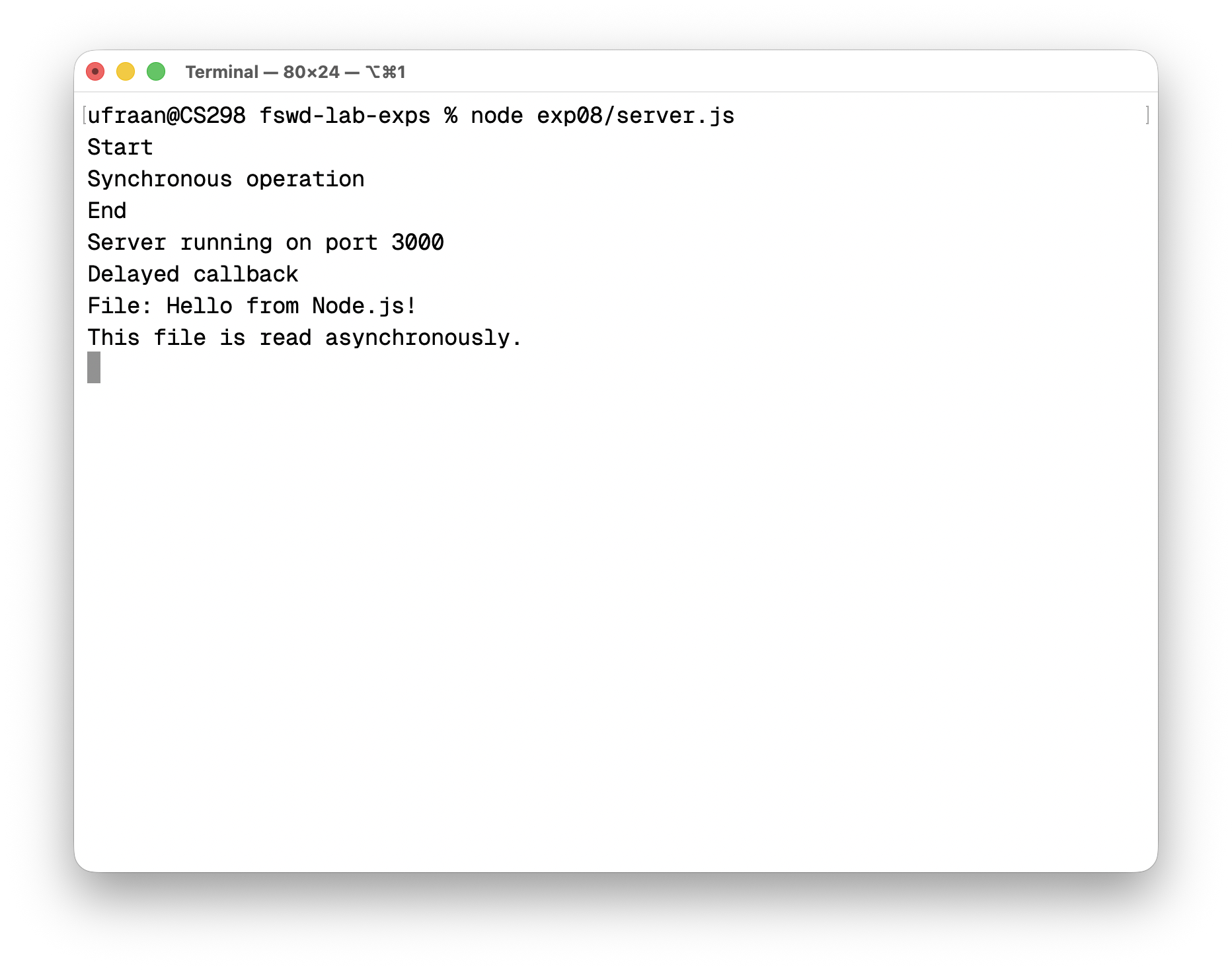
Terminal output
Terminal outputDownload
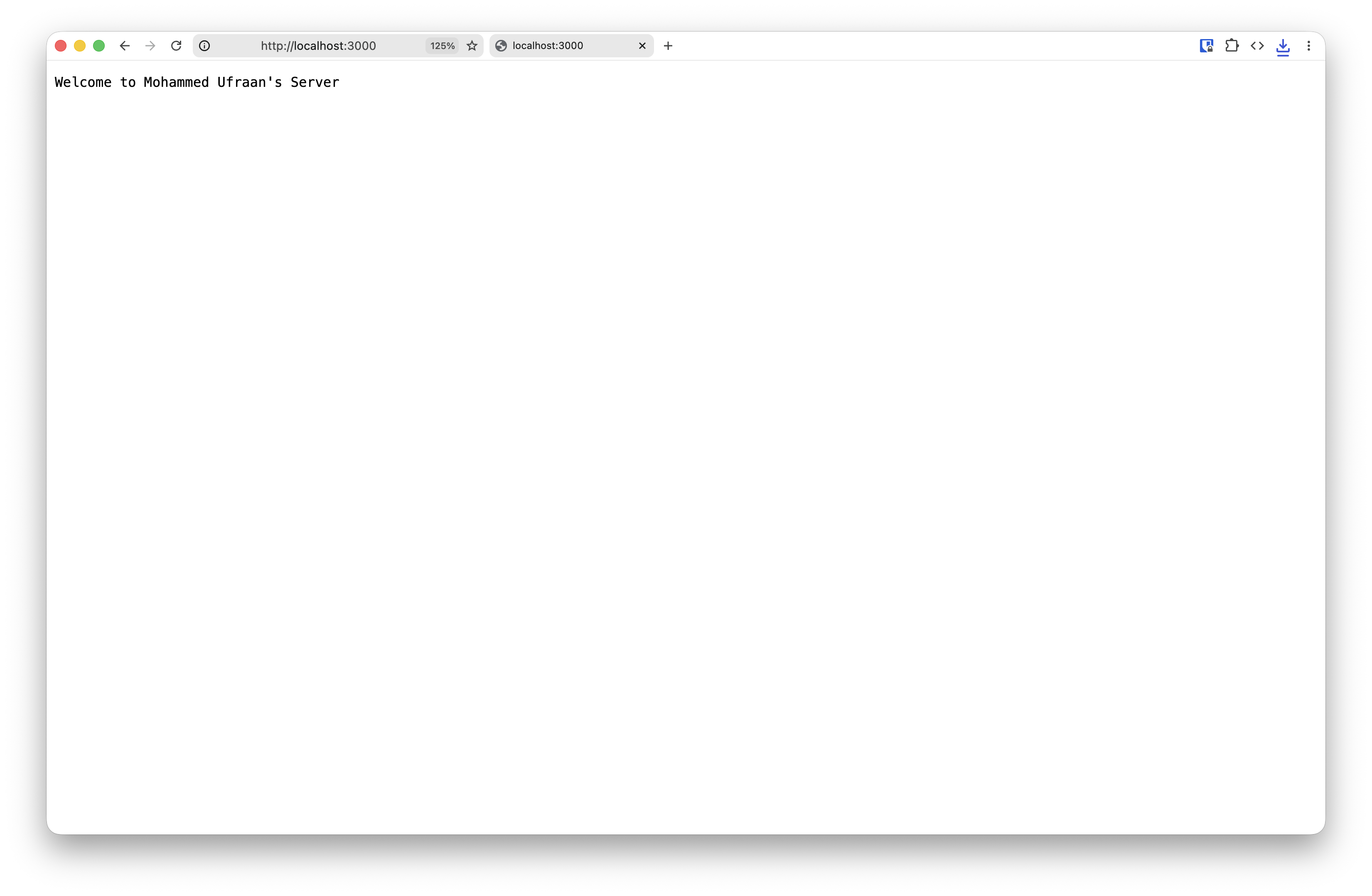
Browser — localhost
Browser — localhostDownload
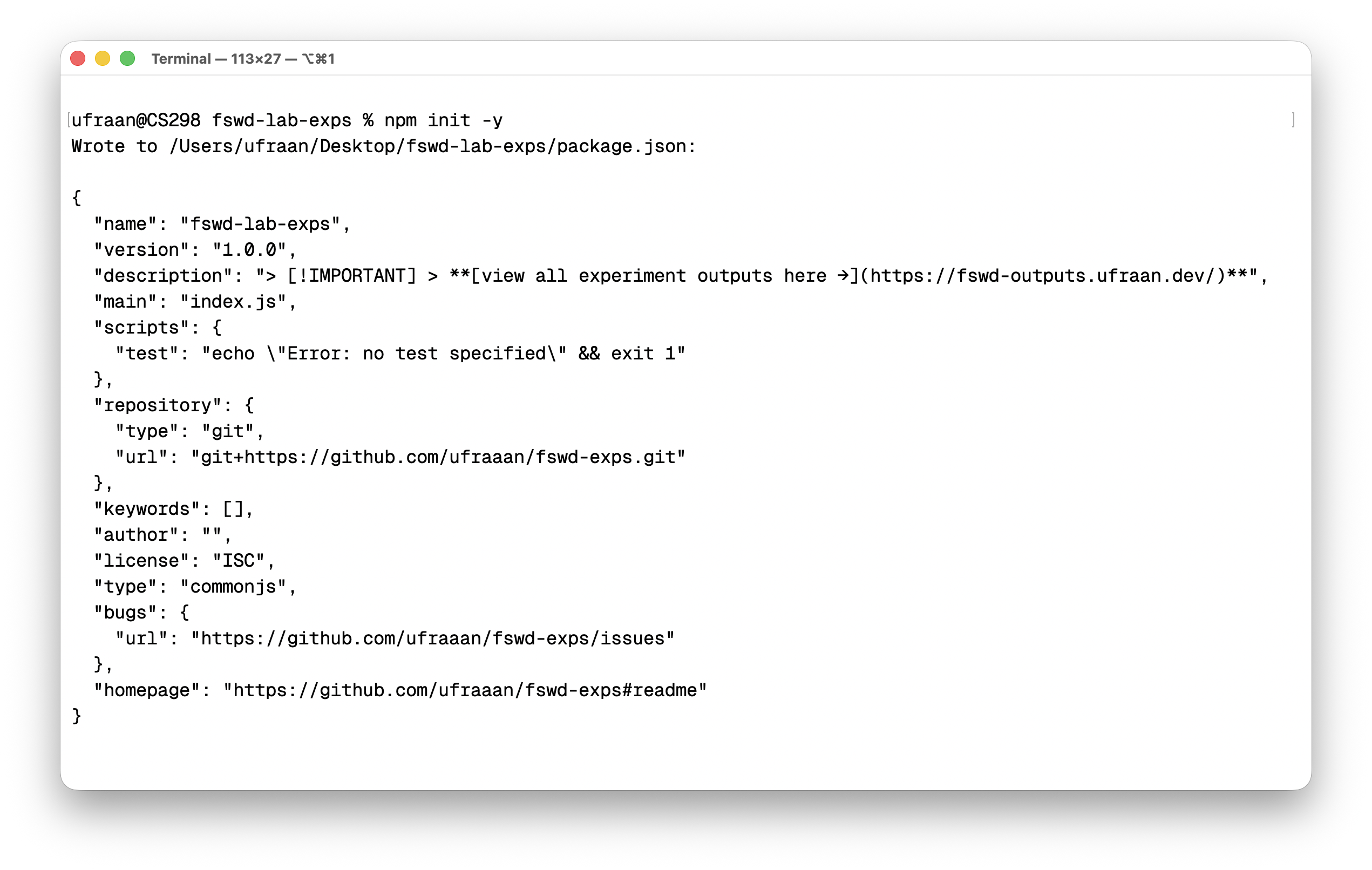
Terminal — npm init
Terminal — npm initDownload
Experiment 9 — Express Server
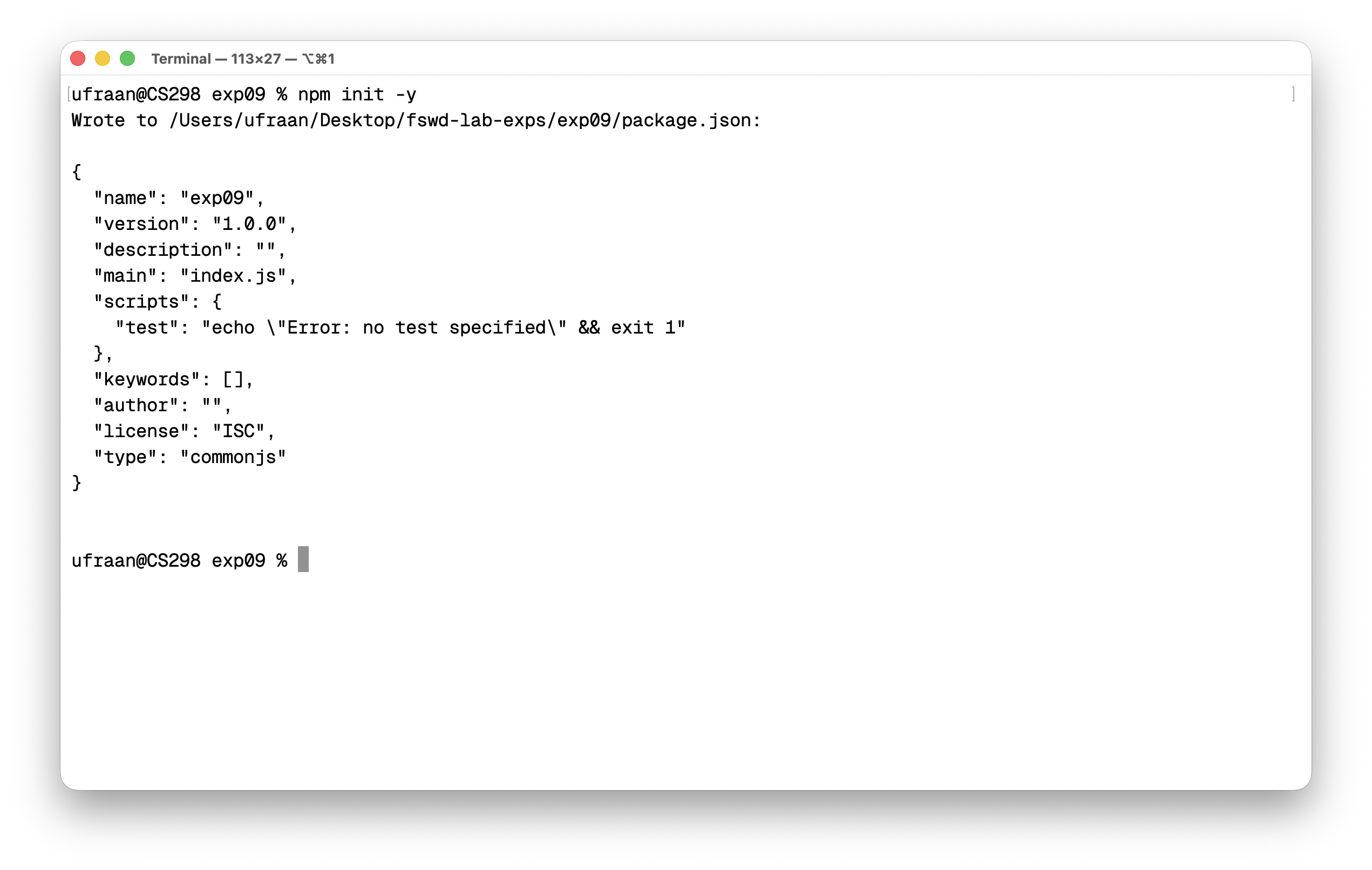
npm init
npm initDownload
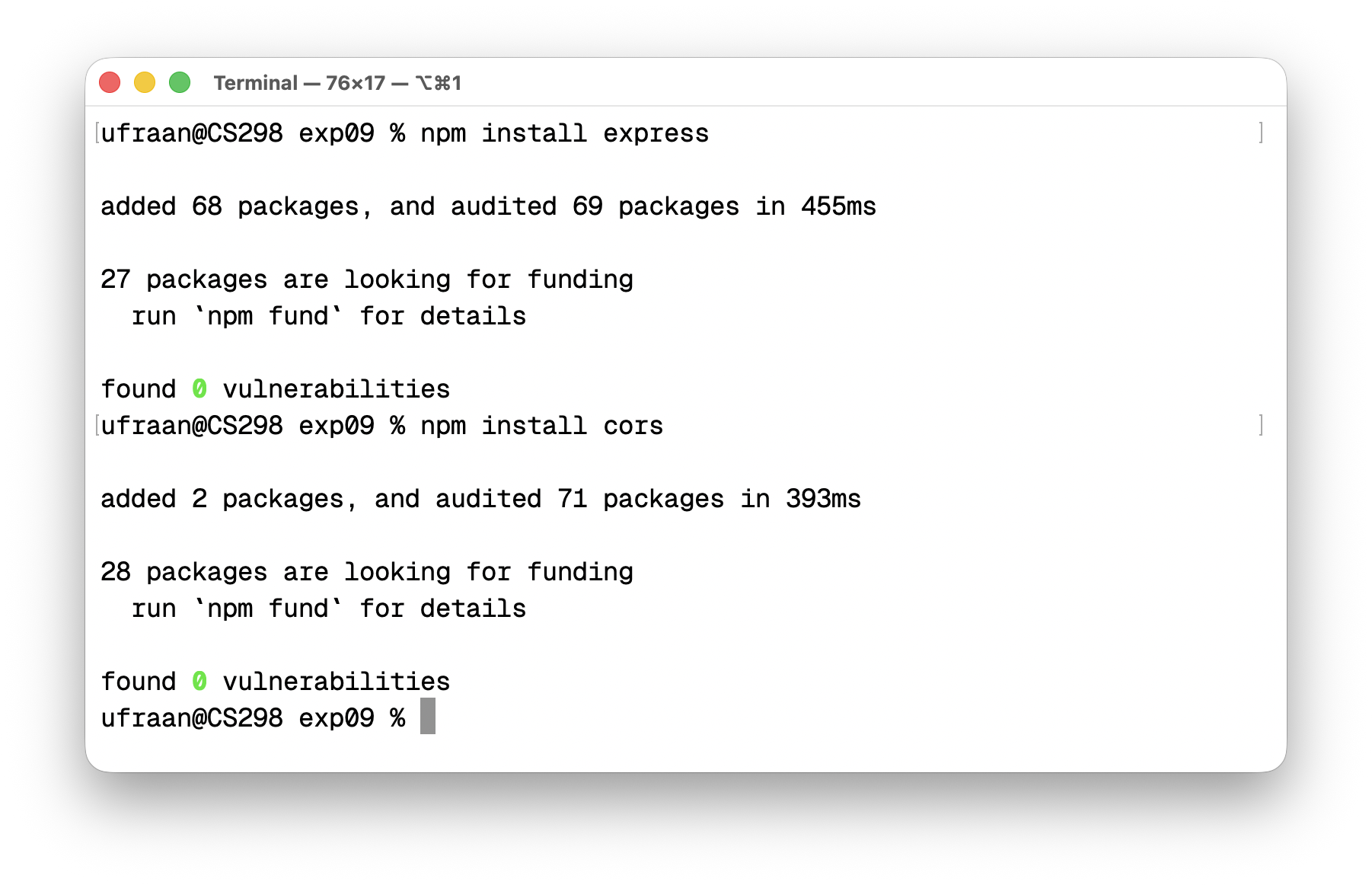
npm install express & cors
npm install express & corsDownload
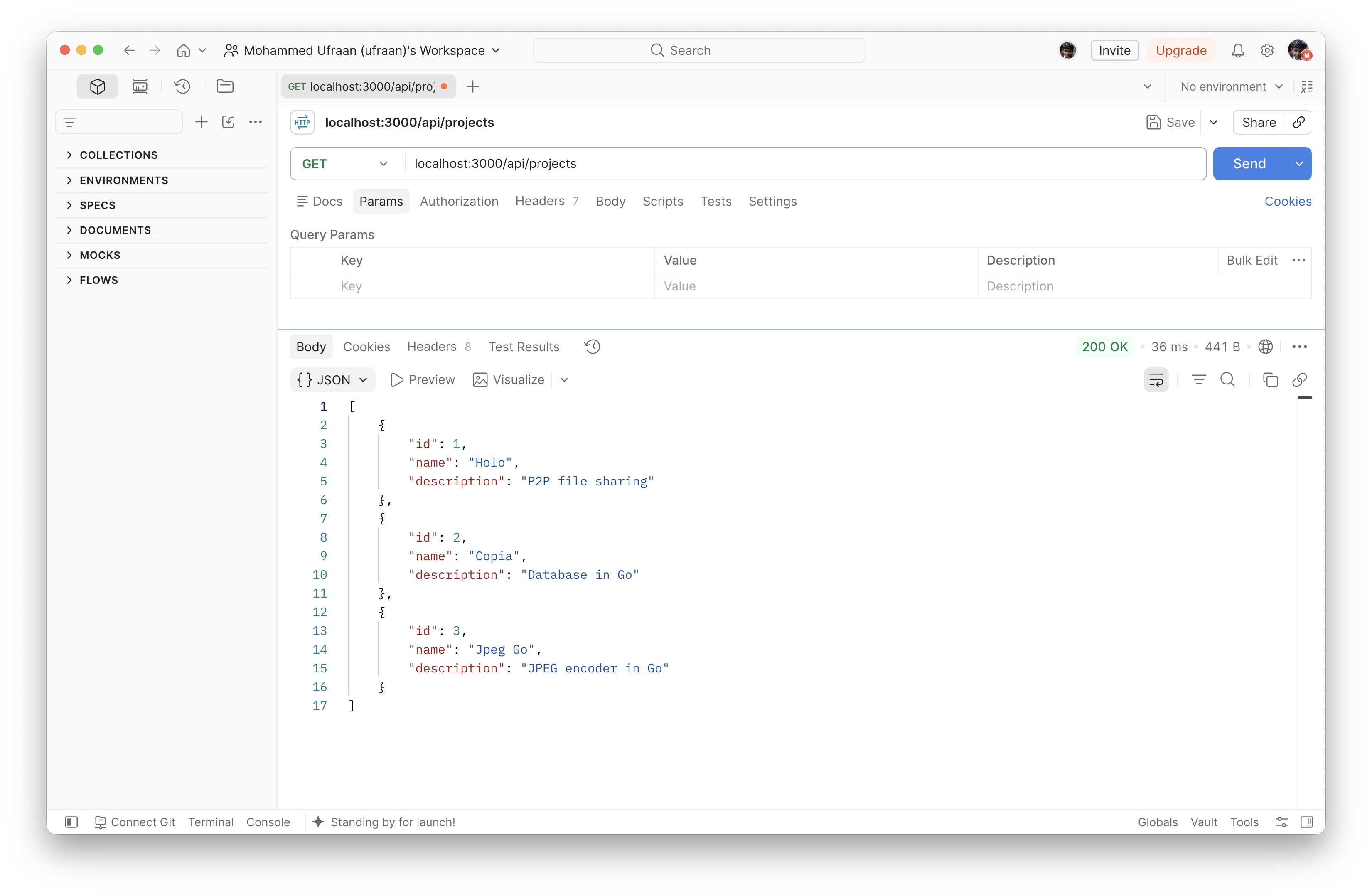
GET /api/projects
GET /api/projectsDownload
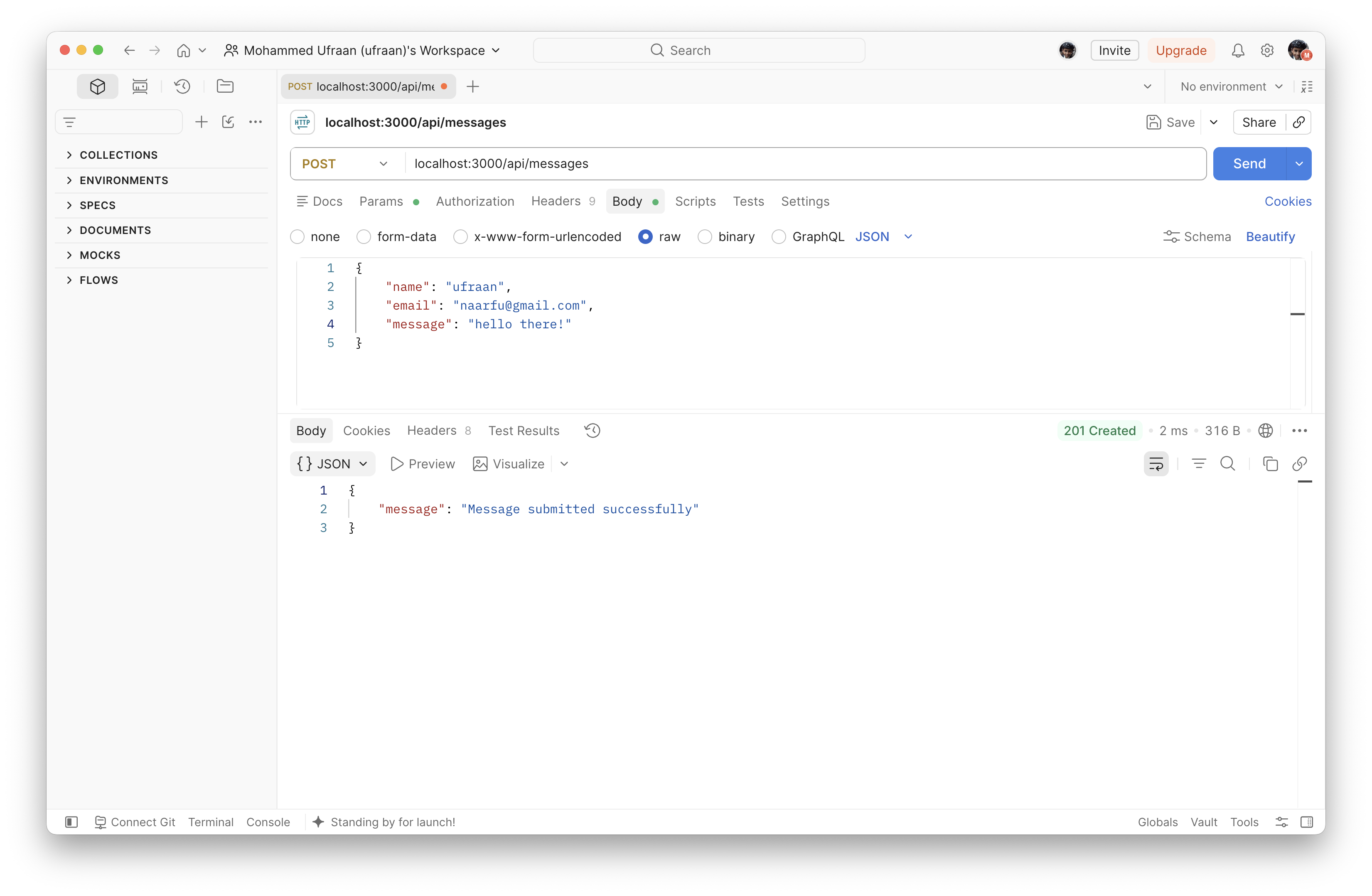
POST /api/messages
POST /api/messagesDownload
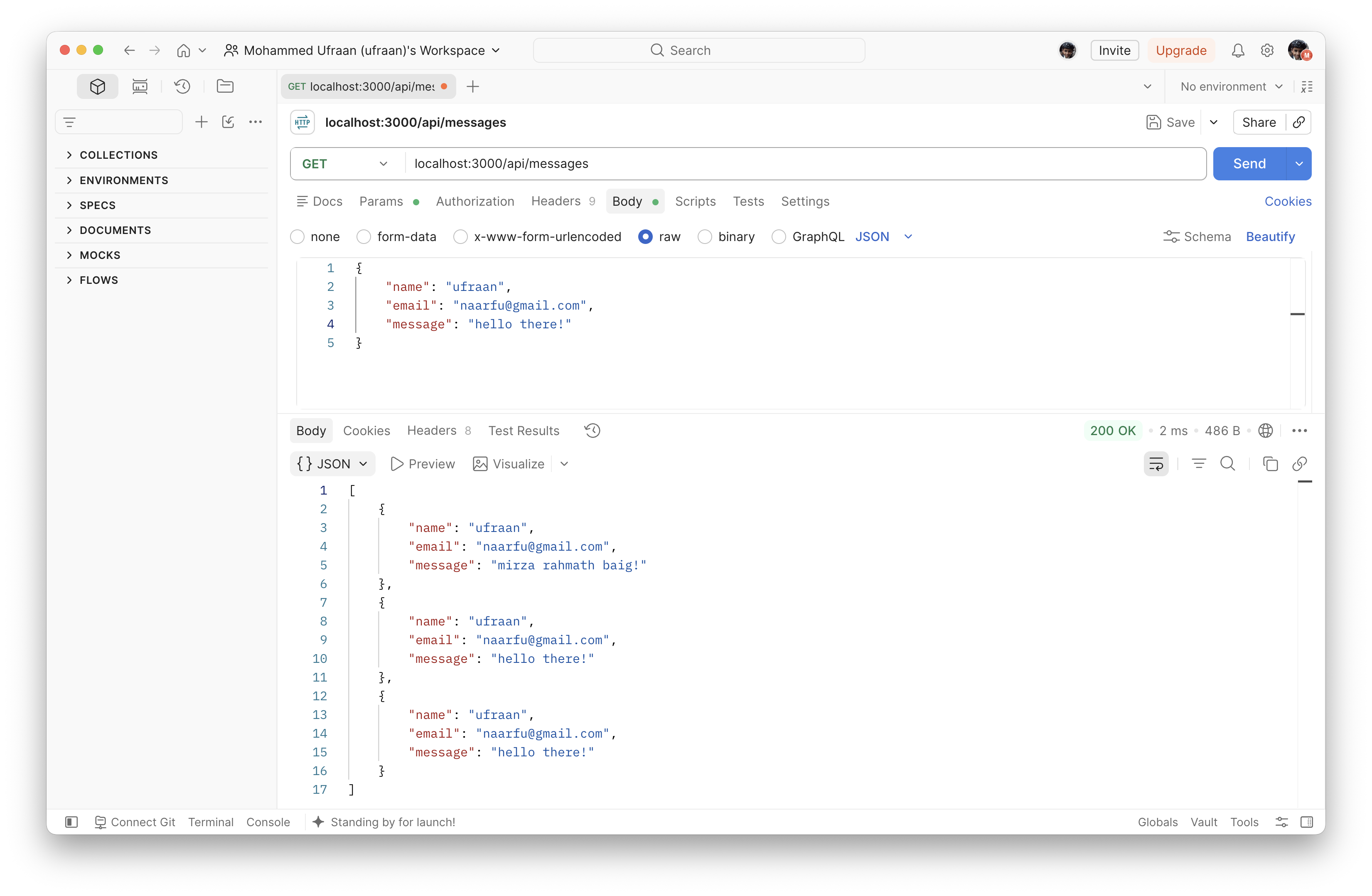
GET /api/messages
GET /api/messagesDownload
Experiment 10 — MongoDB with Mongoose (Express API)
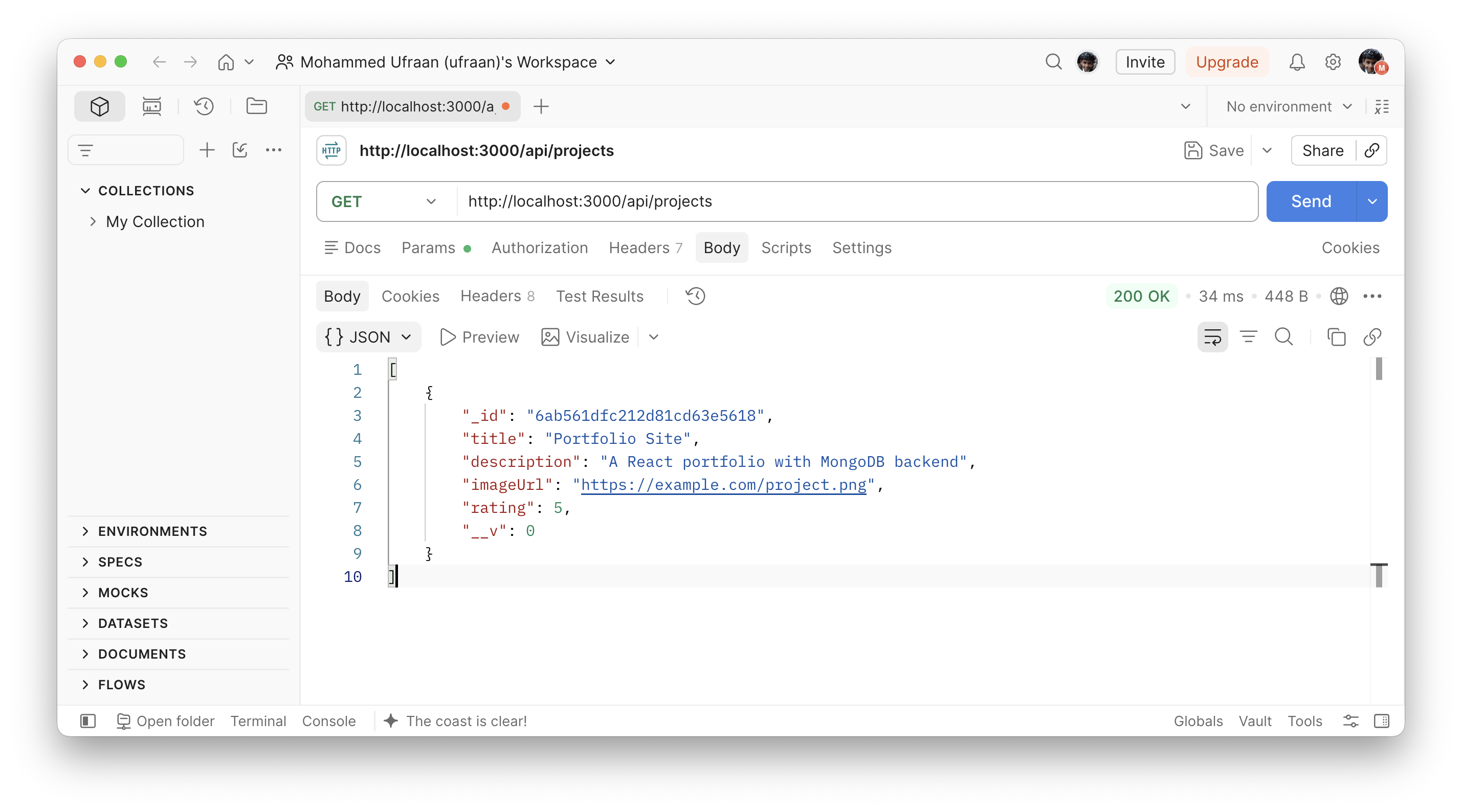
GET /api/projects
GET /api/projectsDownload
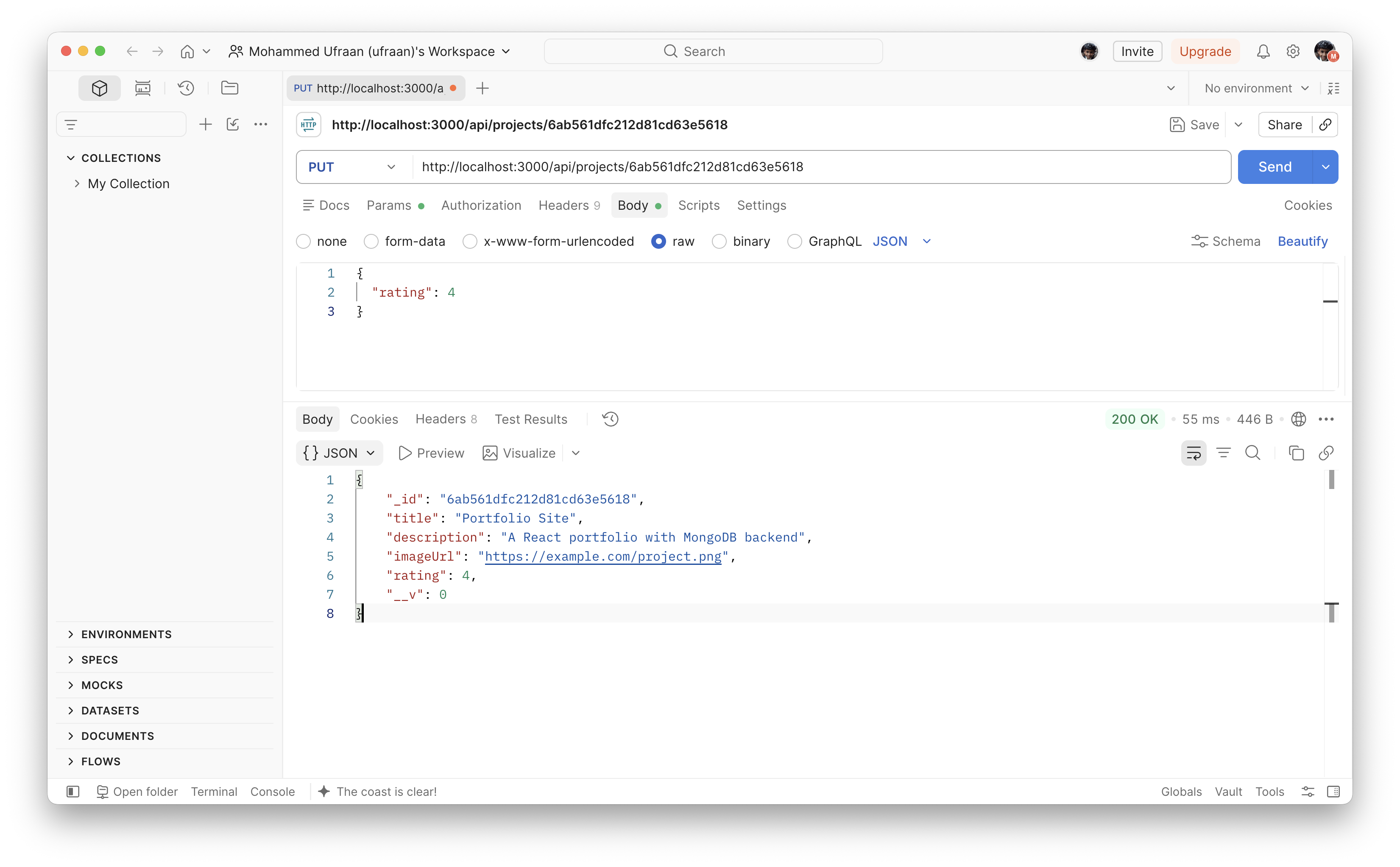
PUT /api/projects/:id
PUT /api/projects/:idDownload
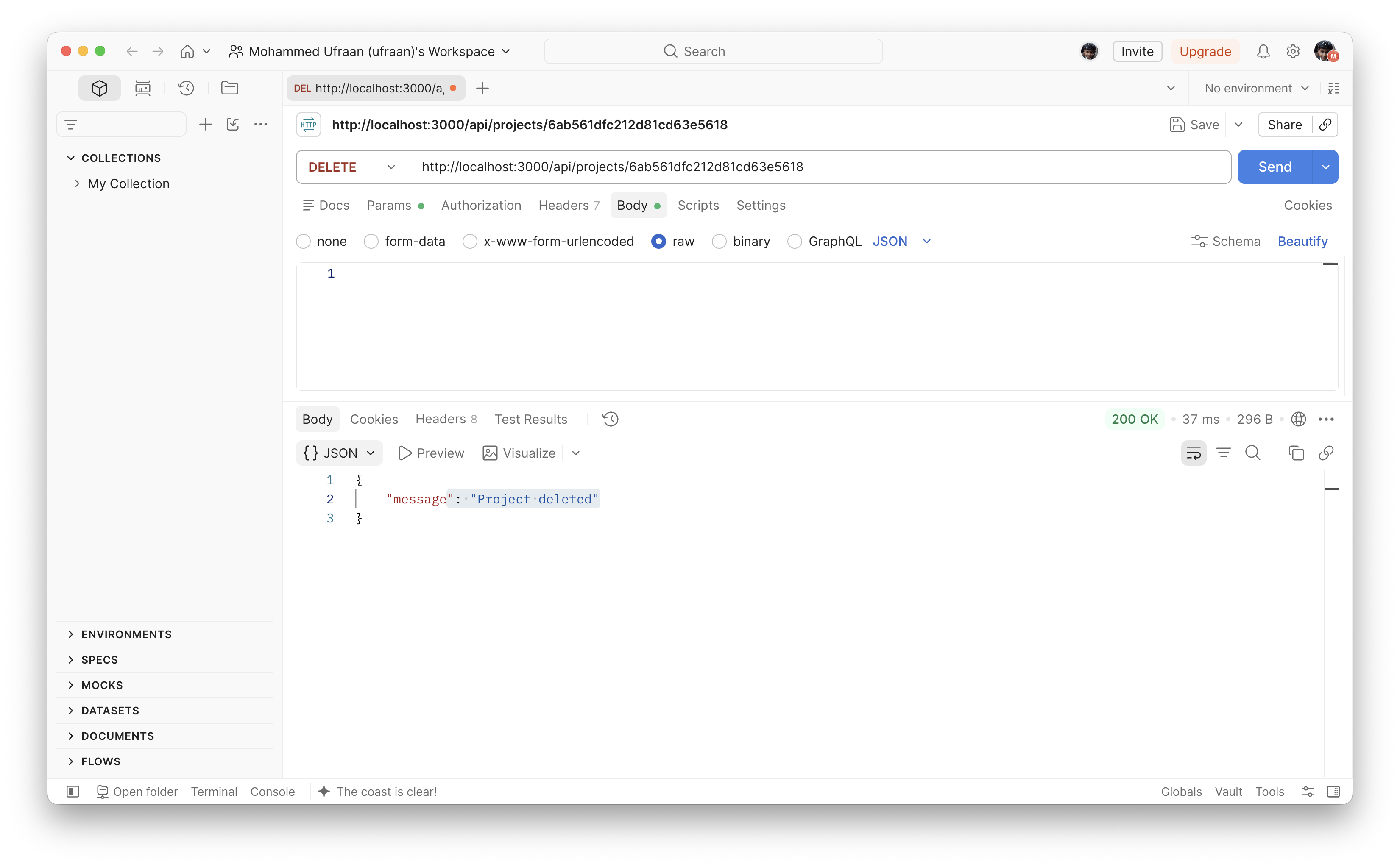
DELETE /api/projects/:id
DELETE /api/projects/:idDownload
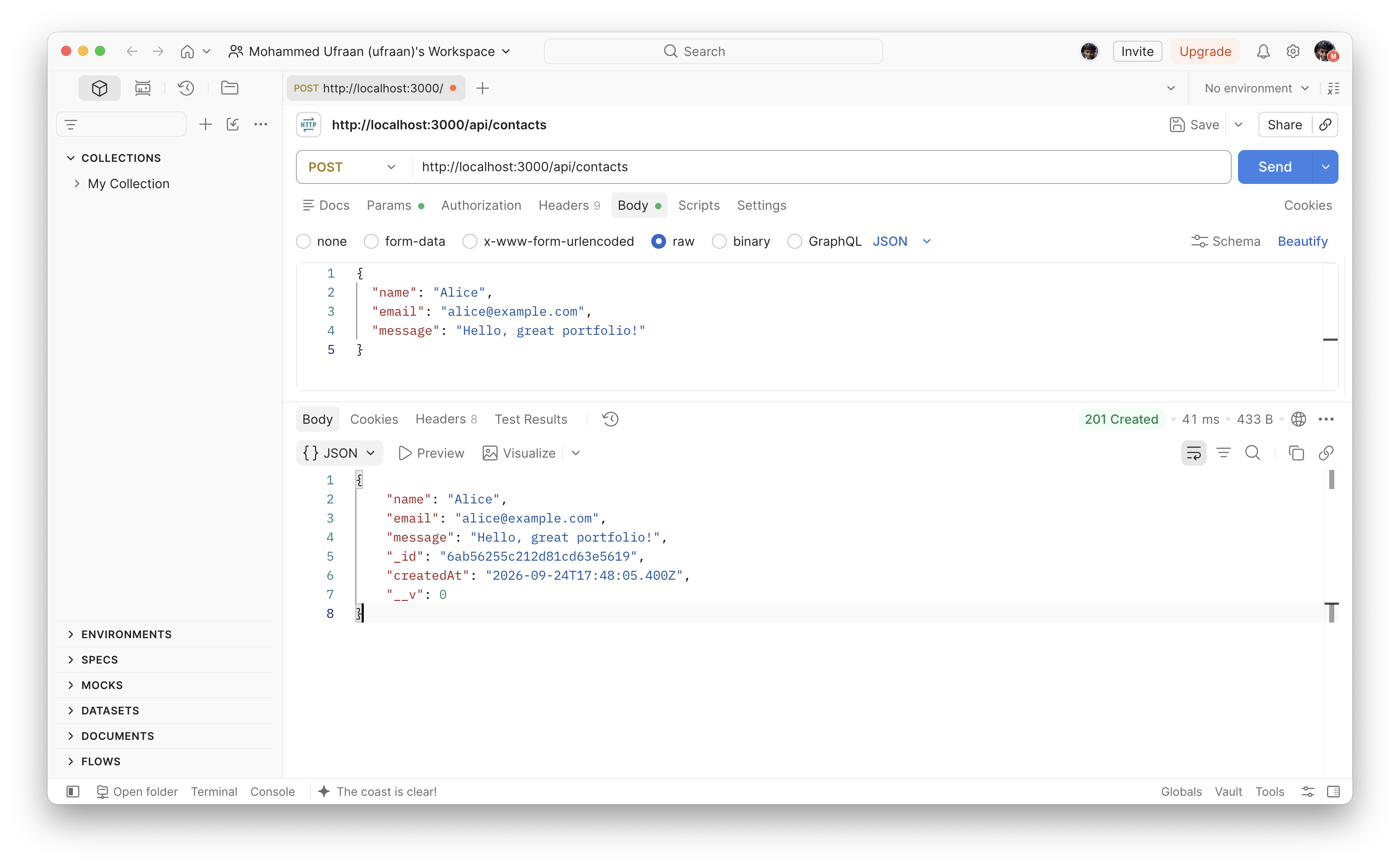
POST /api/contacts
POST /api/contactsDownload
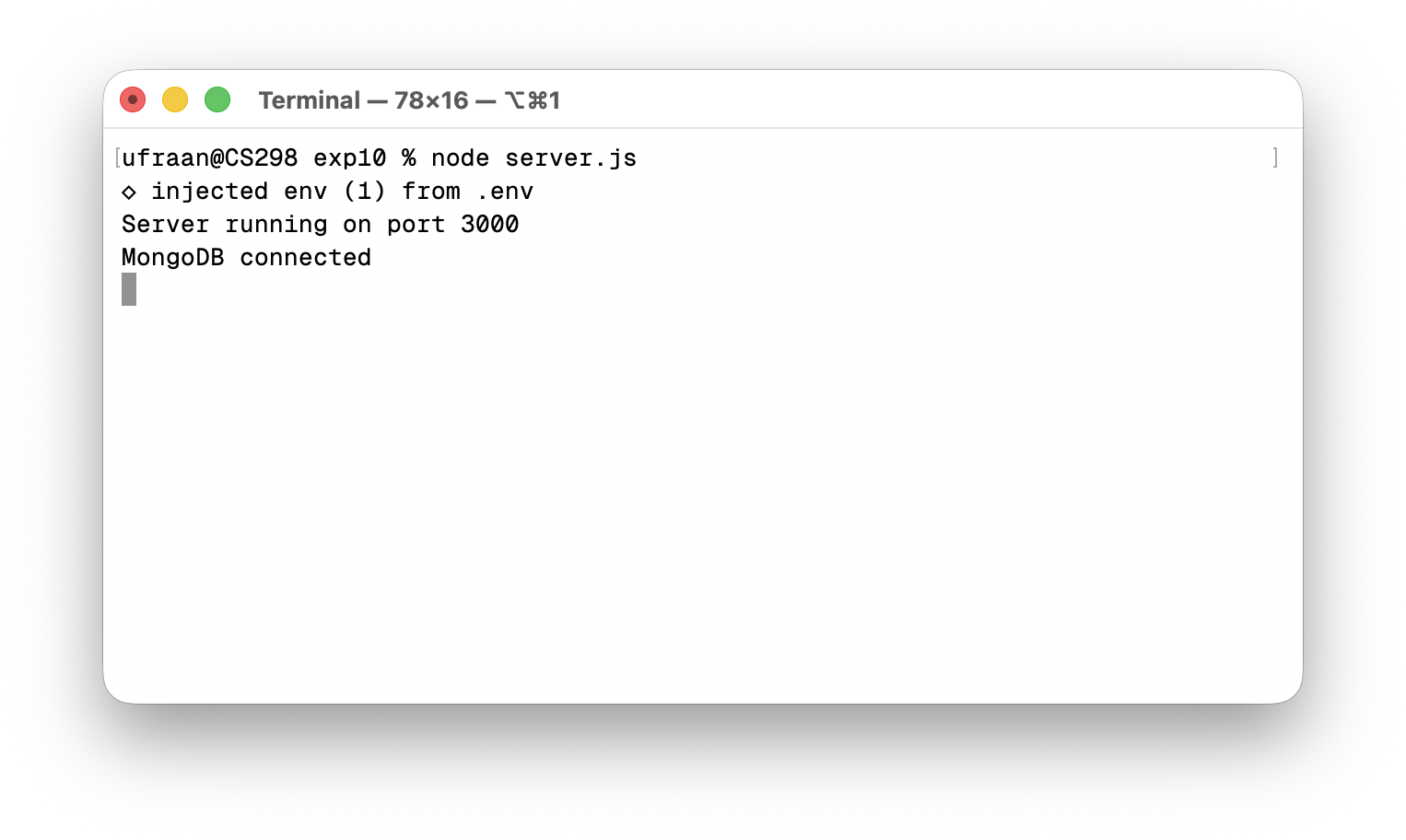
Terminal — node server.js
Terminal — node server.jsDownload
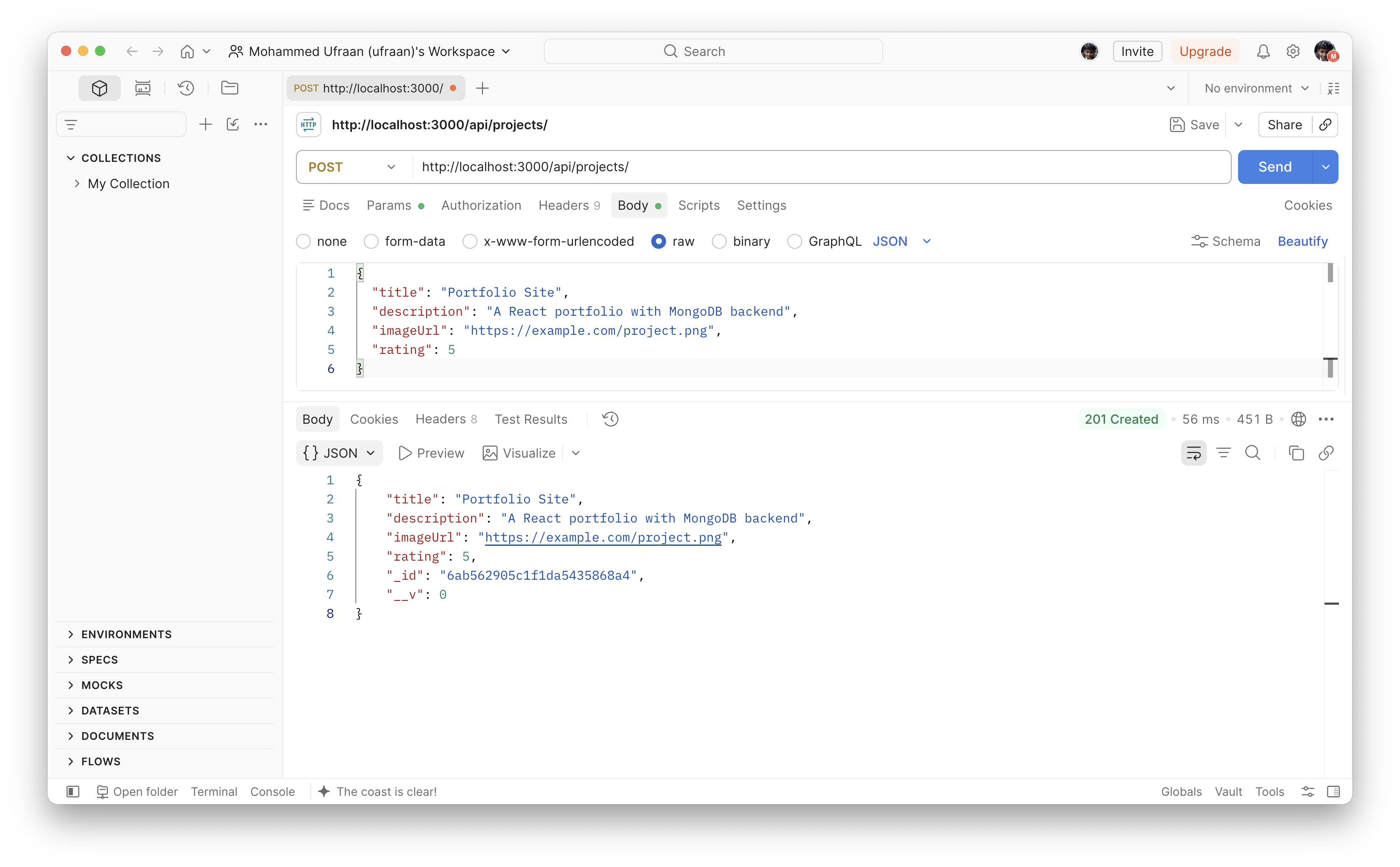
POST /api/projects
POST /api/projectsDownload
Experiment 11 — MERN Portfolio
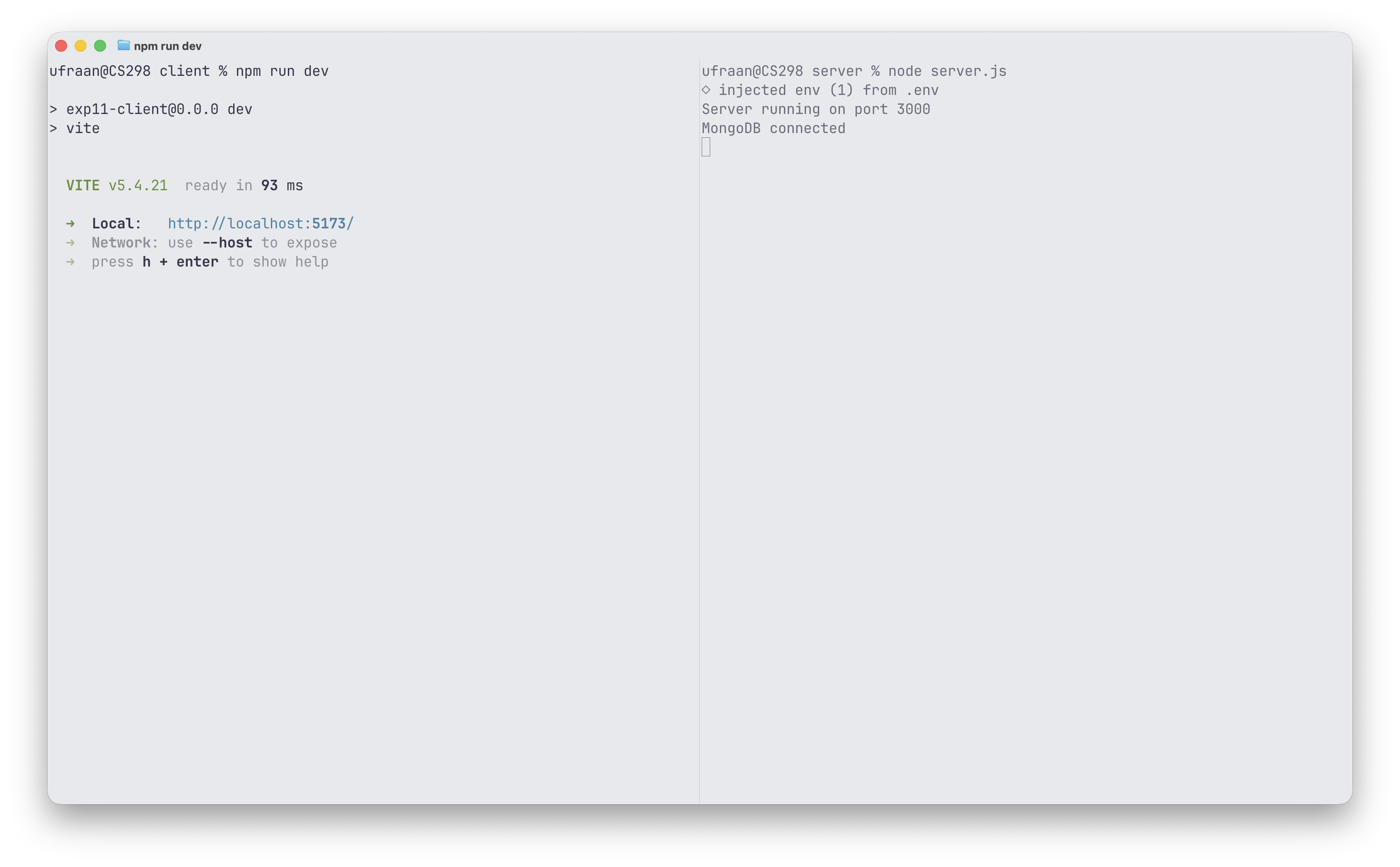
Terminal — client npm run dev & server node server.js
Terminal — npm run dev & node server.jsDownload
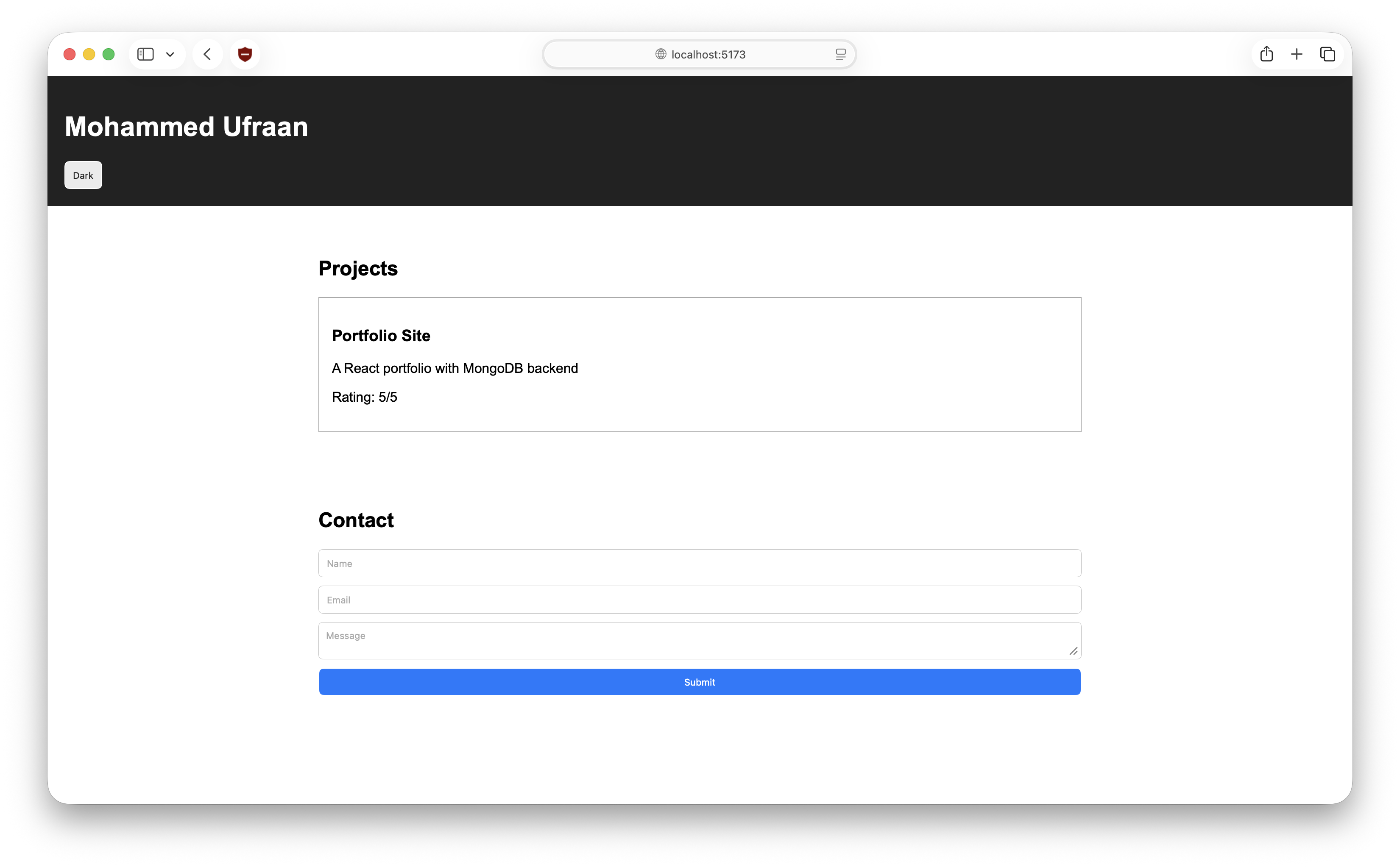
Site on localhost:5173
Site on localhost:5173Download
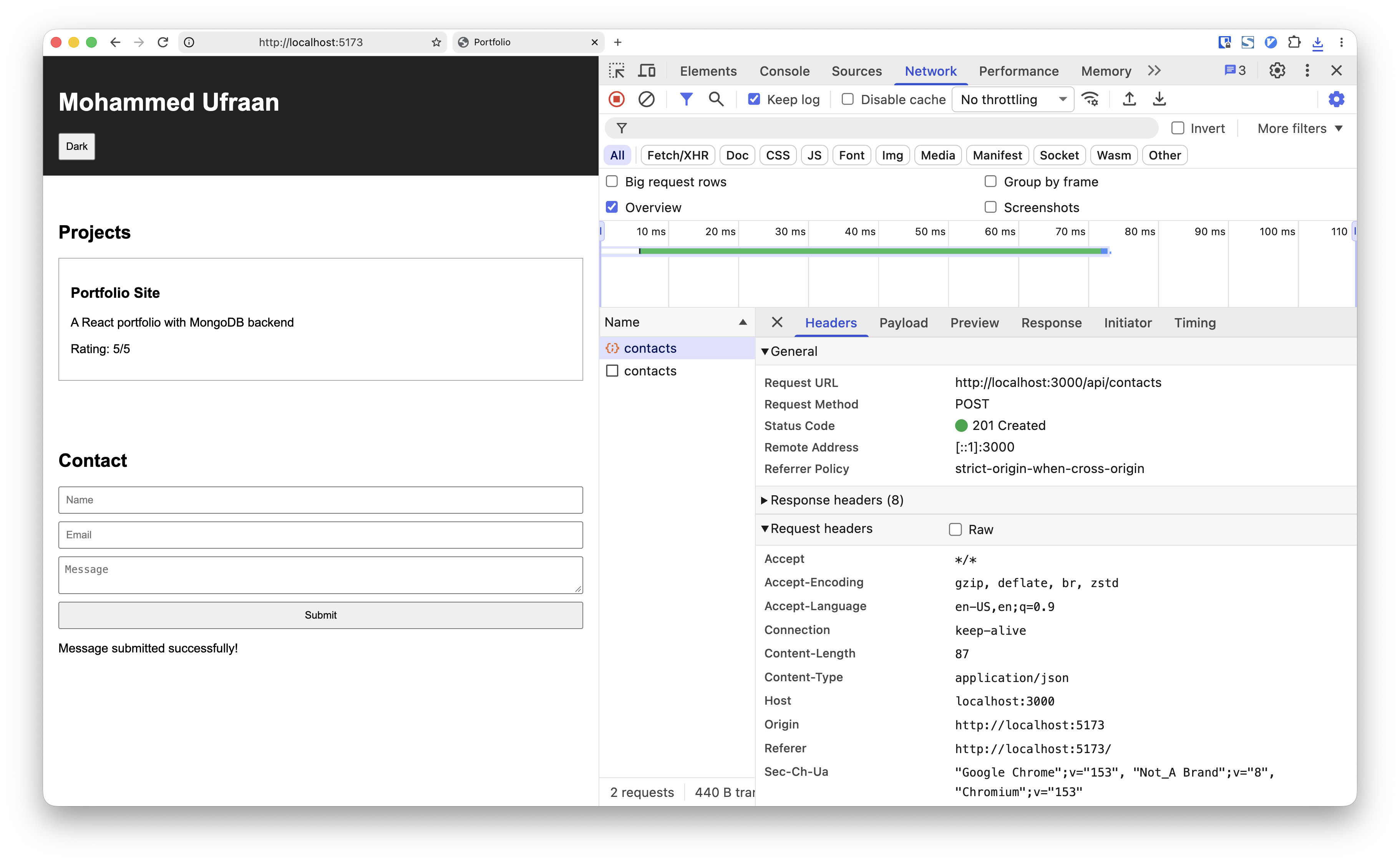
Network tab — POST /api/contacts on form submit
Network tab — POST /api/contactsDownload
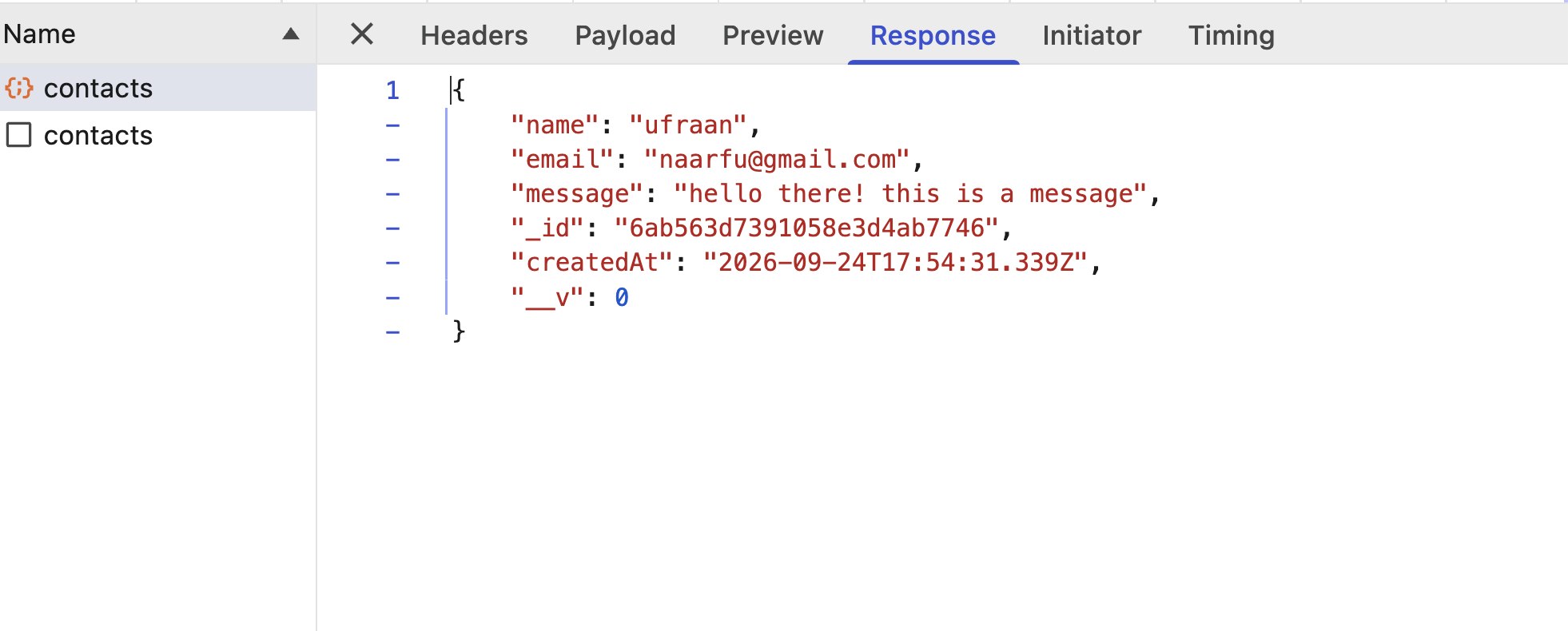
POST /api/contacts response — name, email, message, _id, createdAt
POST response — name, email, msg, _id, createdAtDownload
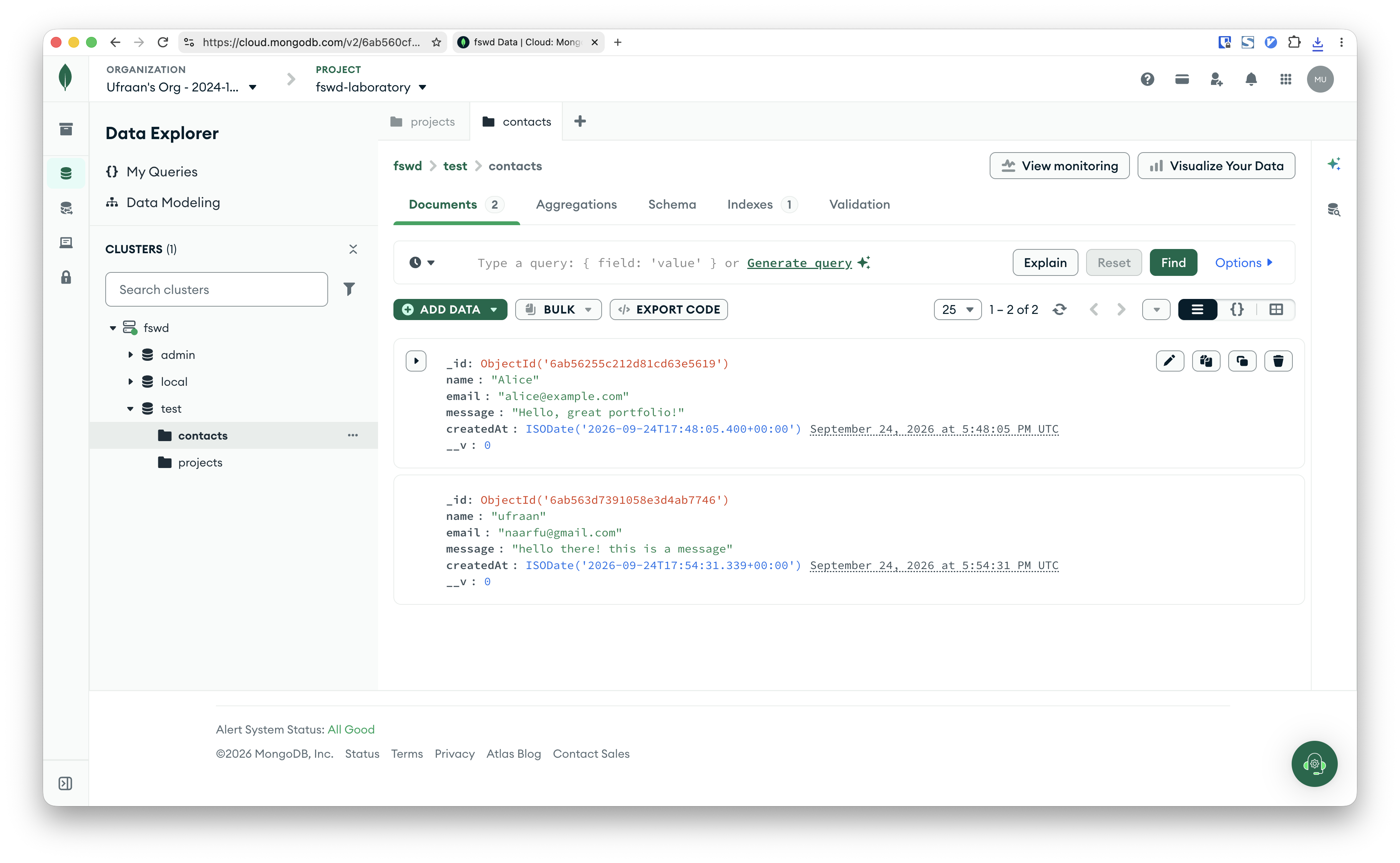
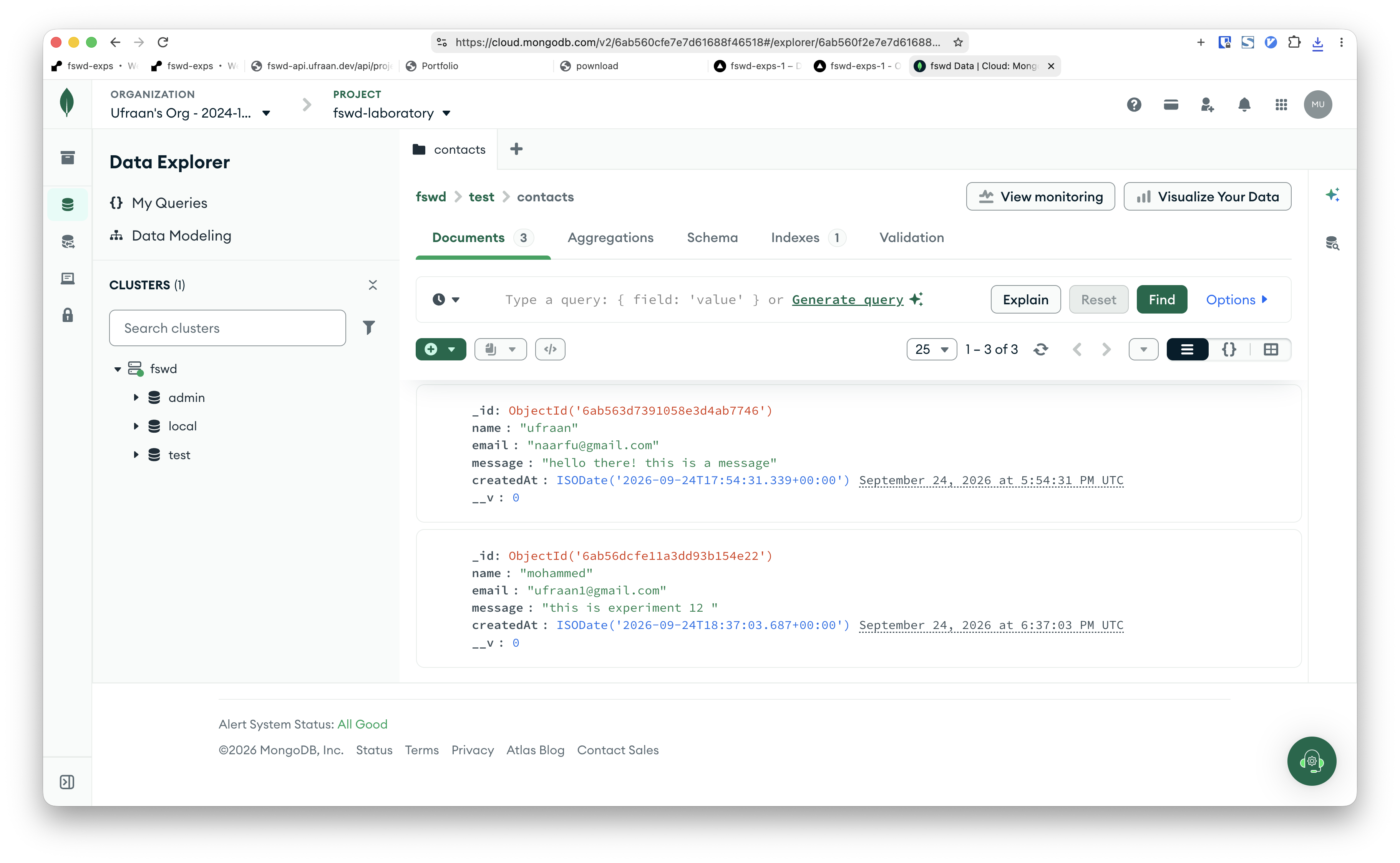
MongoDB Atlas — contacts collection
Atlas — contacts collectionDownload
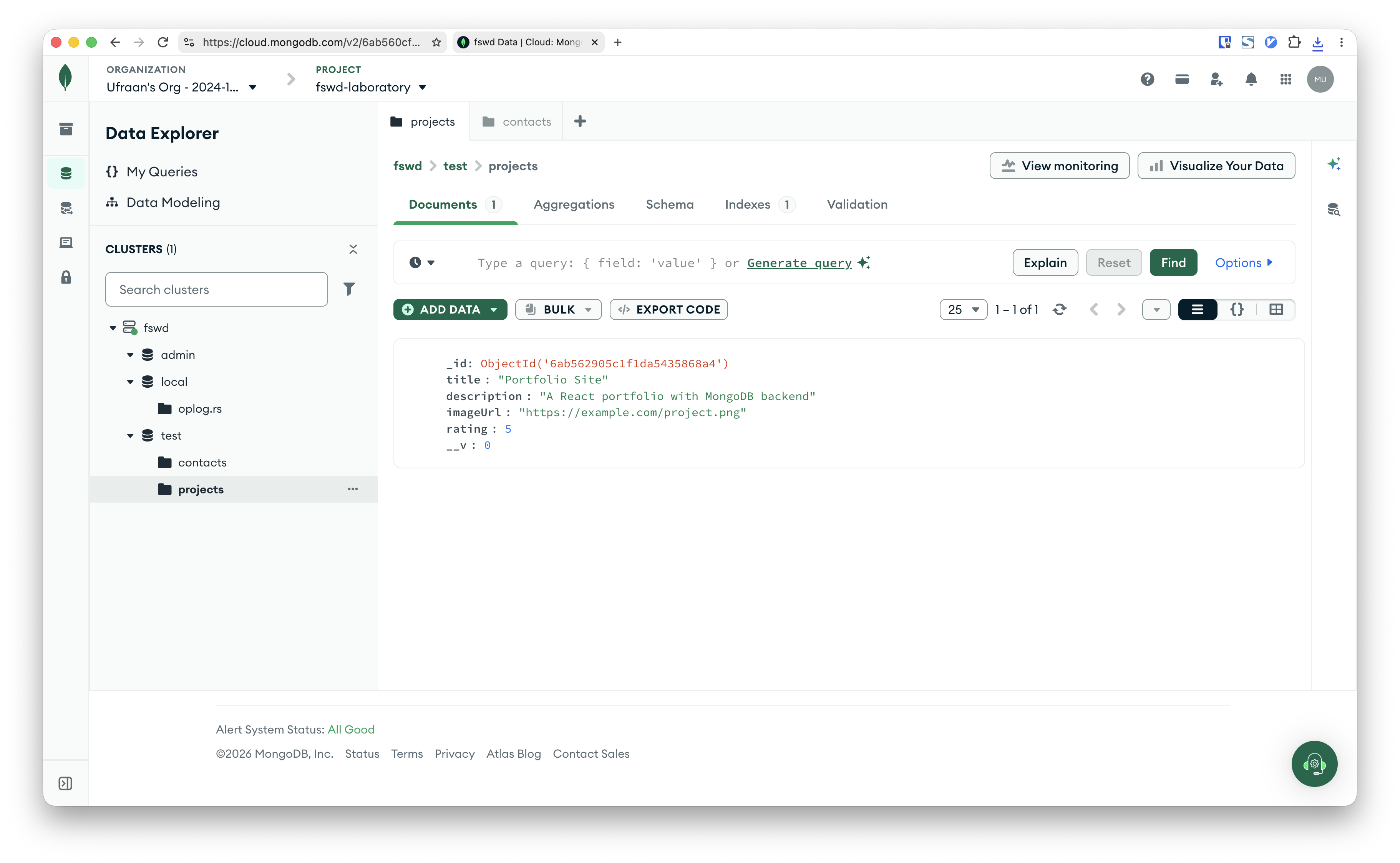
MongoDB Atlas — projects collection
Atlas — projects collectionDownload
Experiment 12 — MERN Deployment
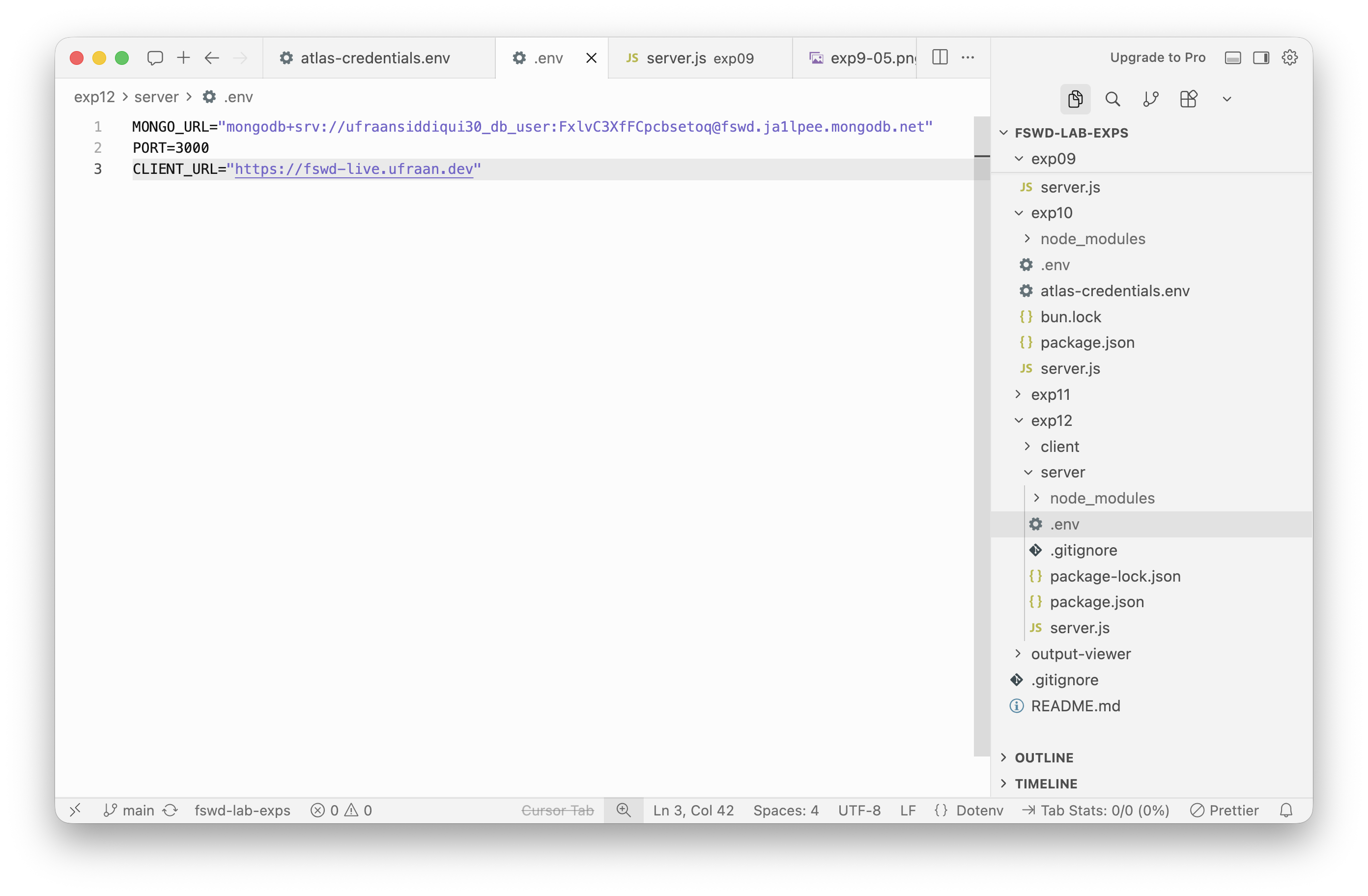
server .env — MONGO_URL, PORT, CLIENT_URL
.env — env varsDownload
MongoDB Atlas — contacts collection with submitted doc
Atlas — contacts collectionDownload
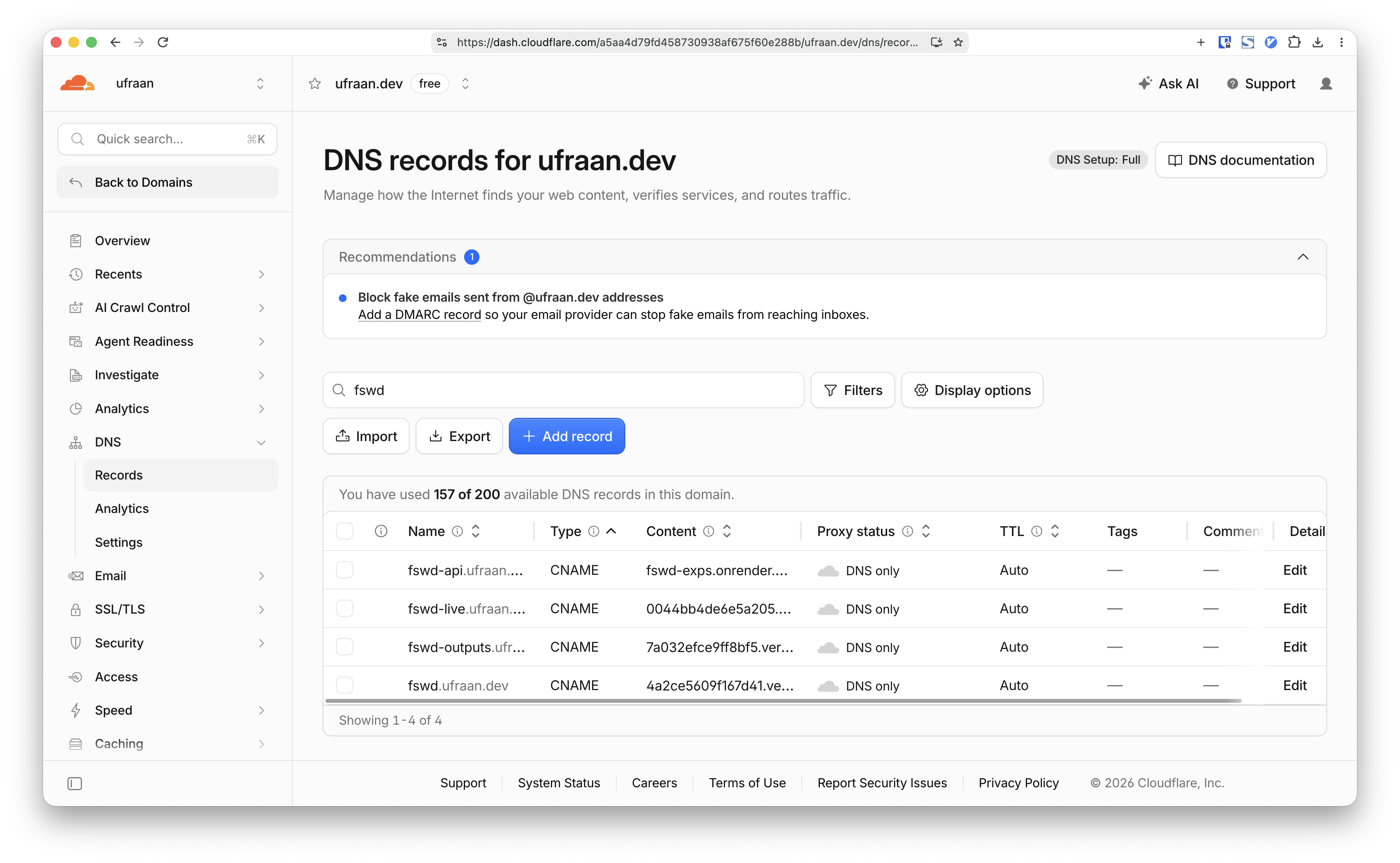
Cloudflare DNS — fswd-api and fswd-live records
Cloudflare DNS recordsDownload
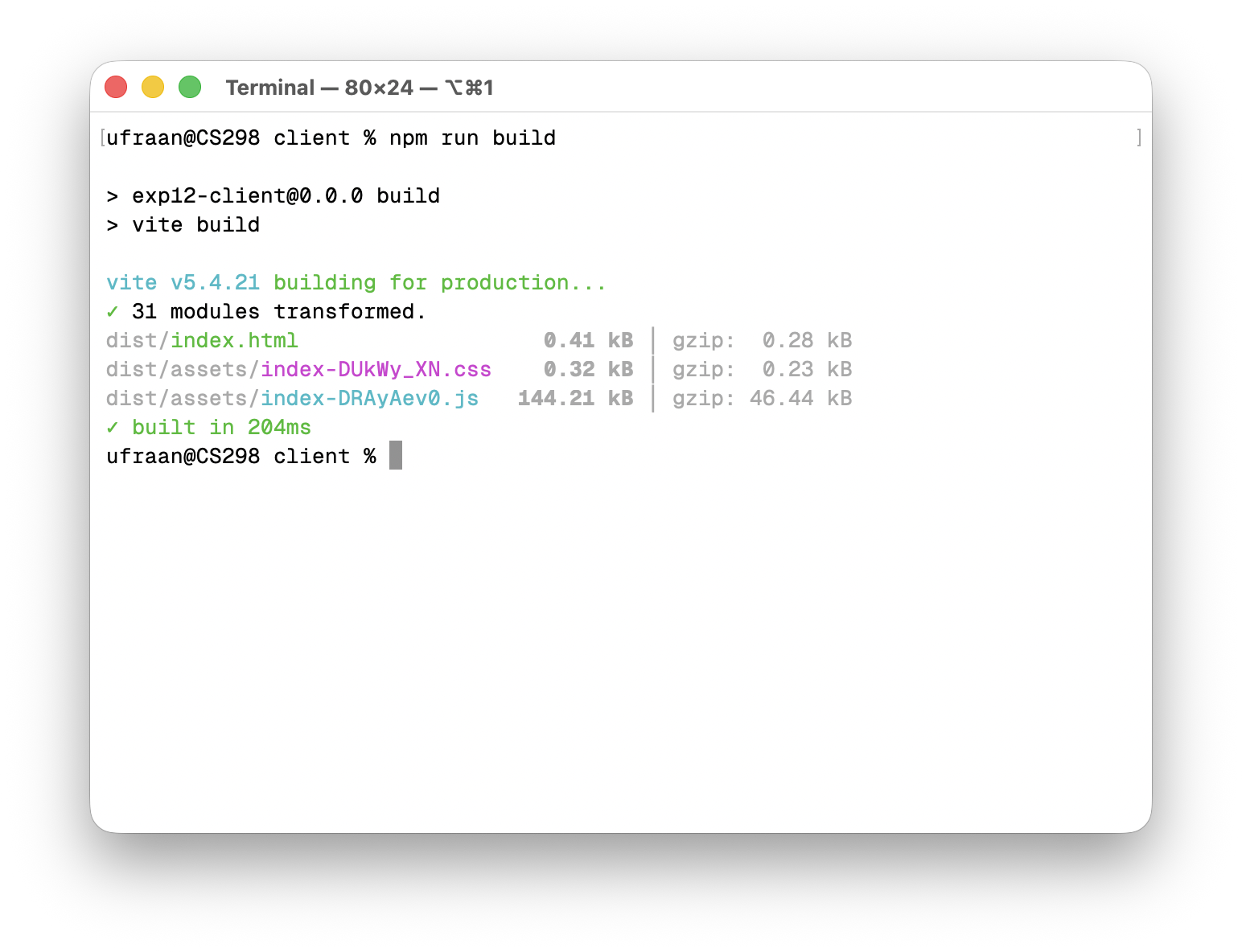
Terminal — npm run build with dist output
npm run buildDownload
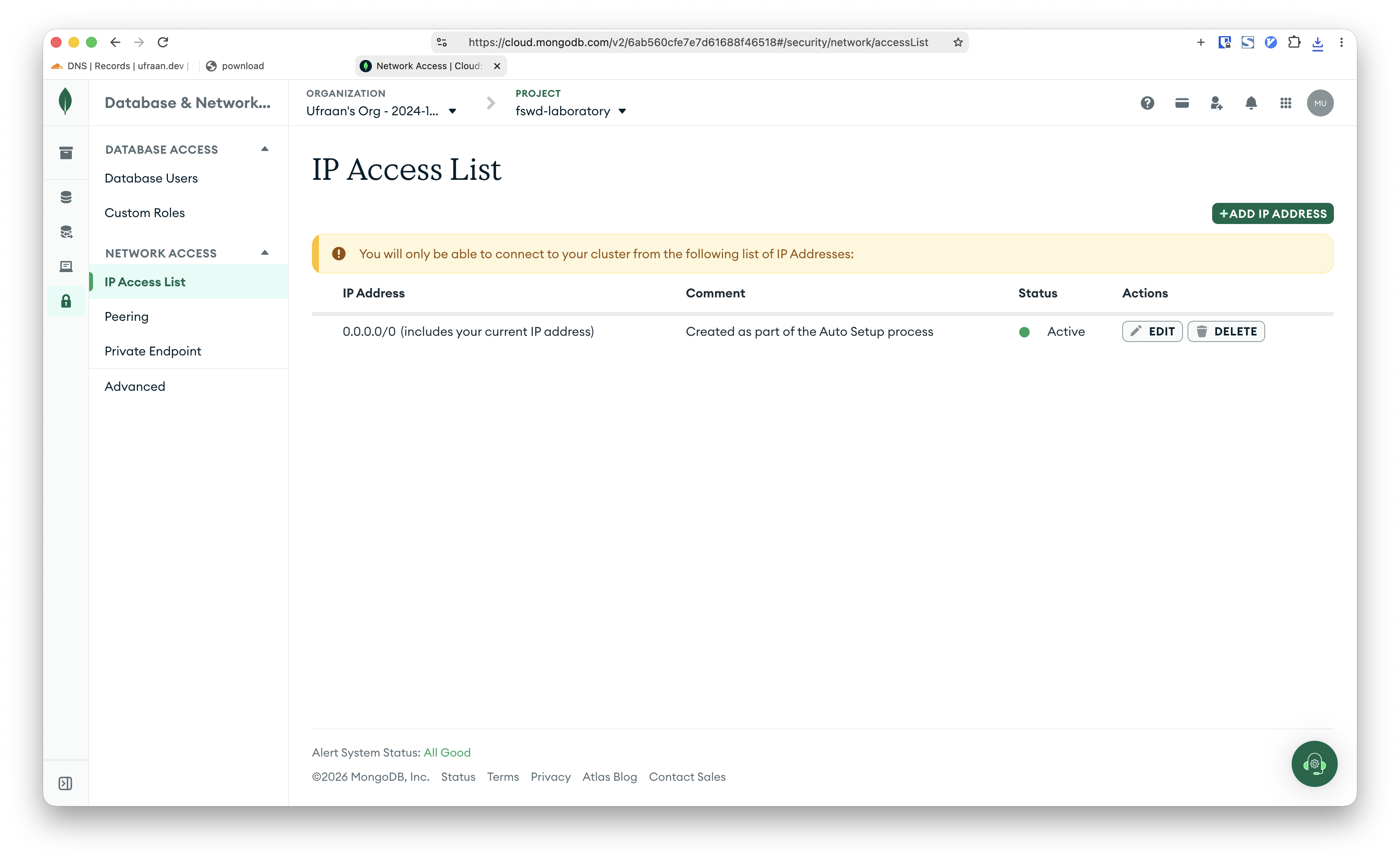
Atlas Network Access — 0.0.0.0/0
Atlas Network AccessDownload
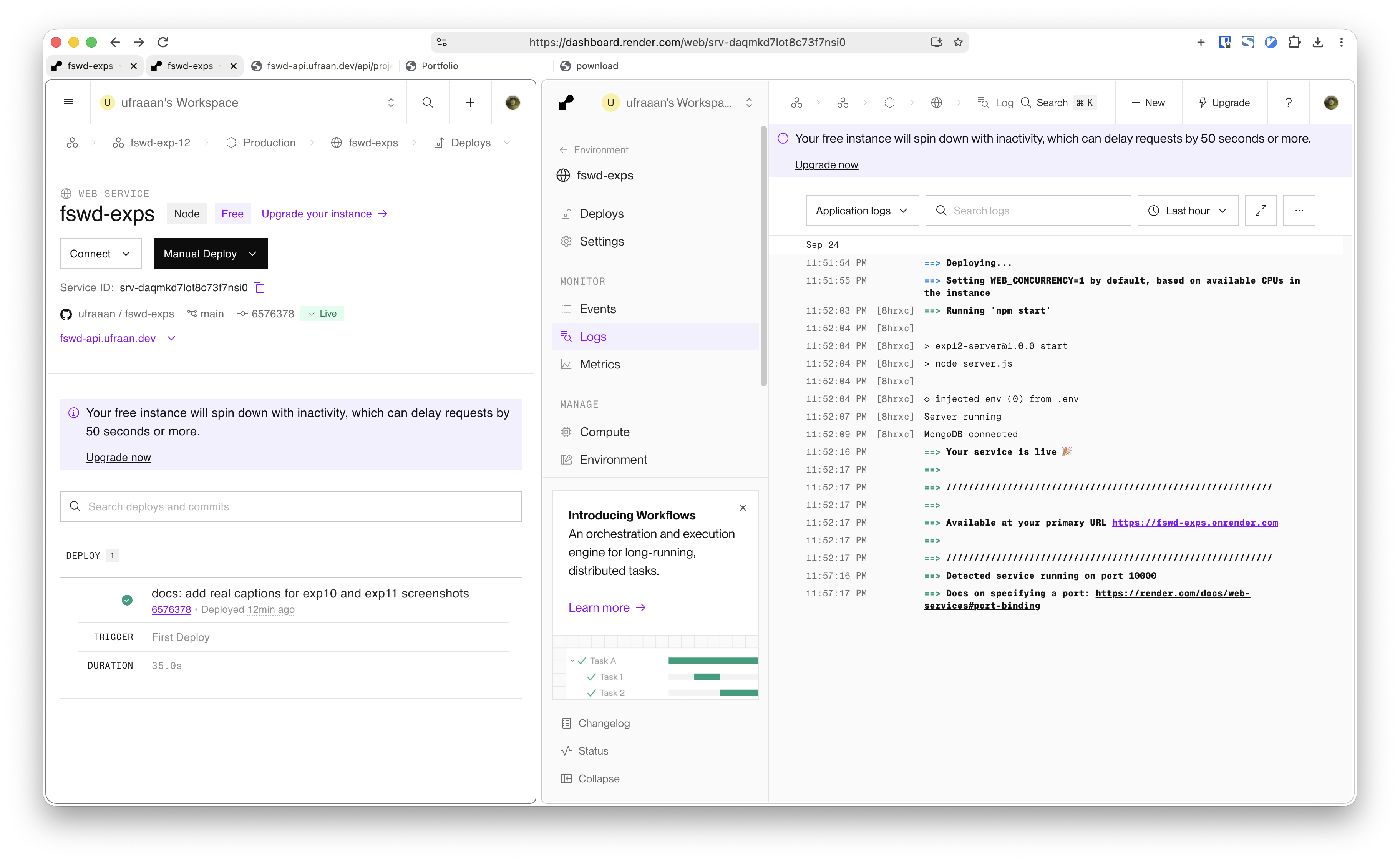
Render dashboard — build and start commands and env vars
Render dashboardDownload
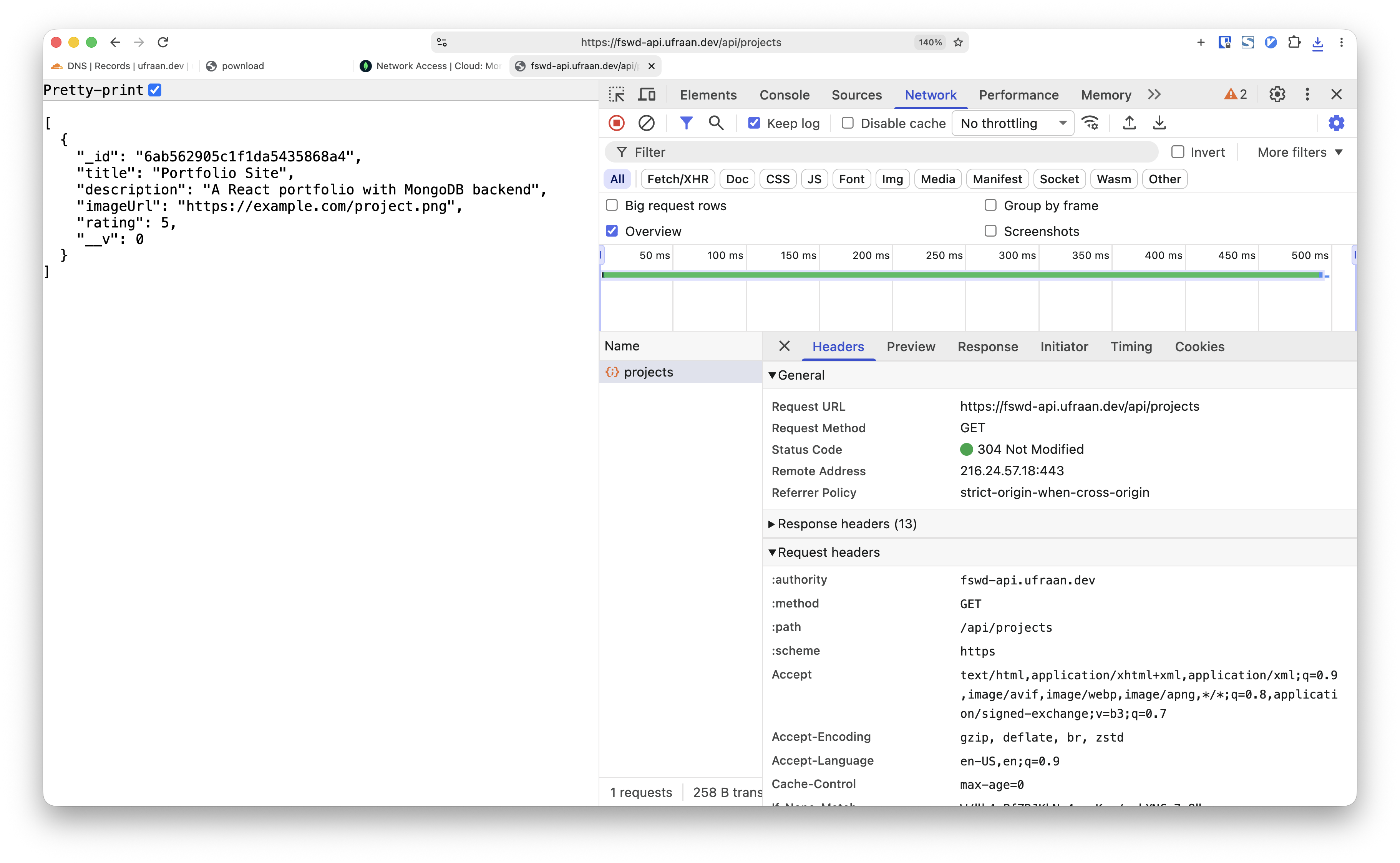
Browser — fswd-api.ufraan.dev/api/projects JSON
Live API — /api/projectsDownload
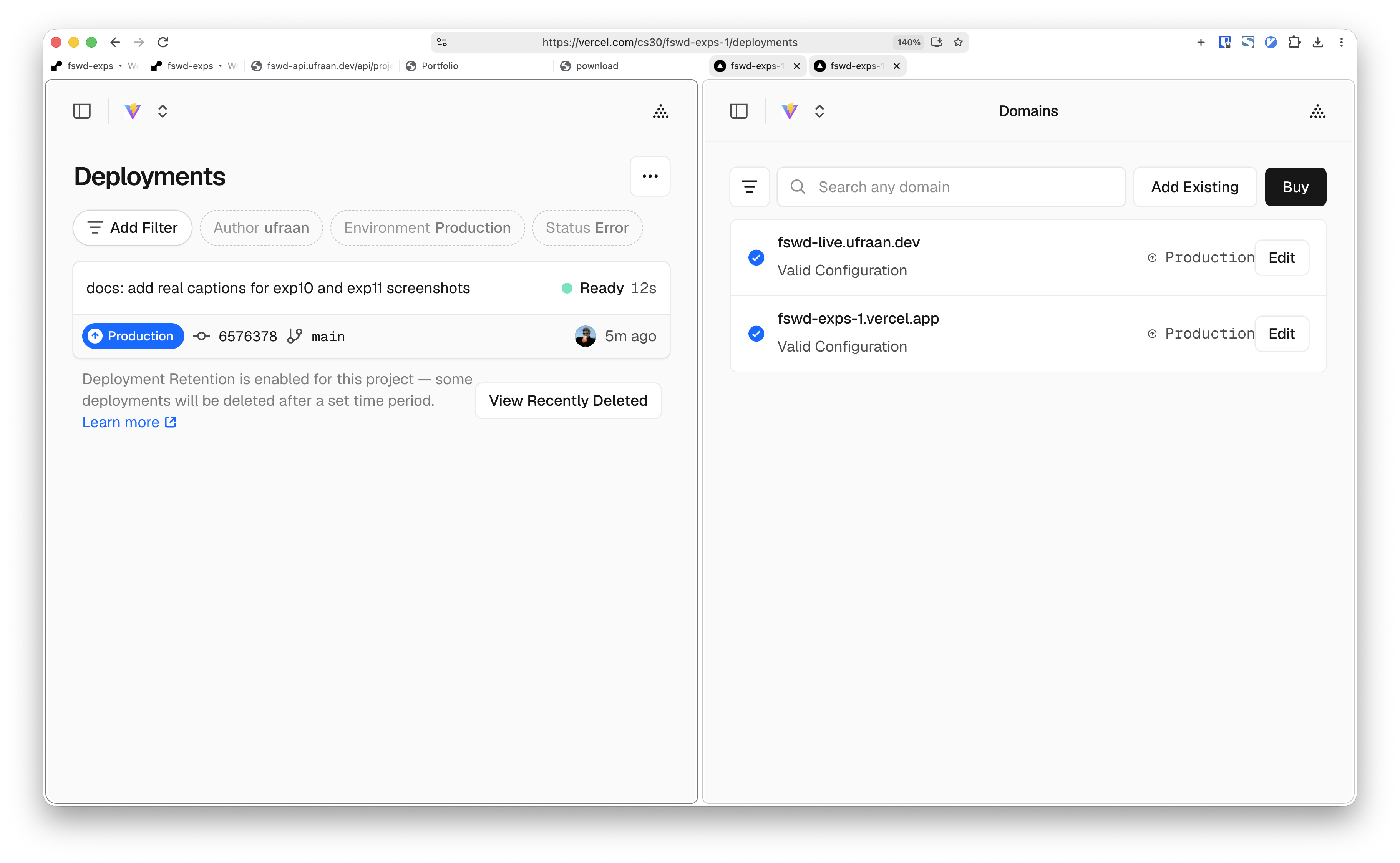
Vercel dashboard — deploy and custom domain
Vercel dashboardDownload
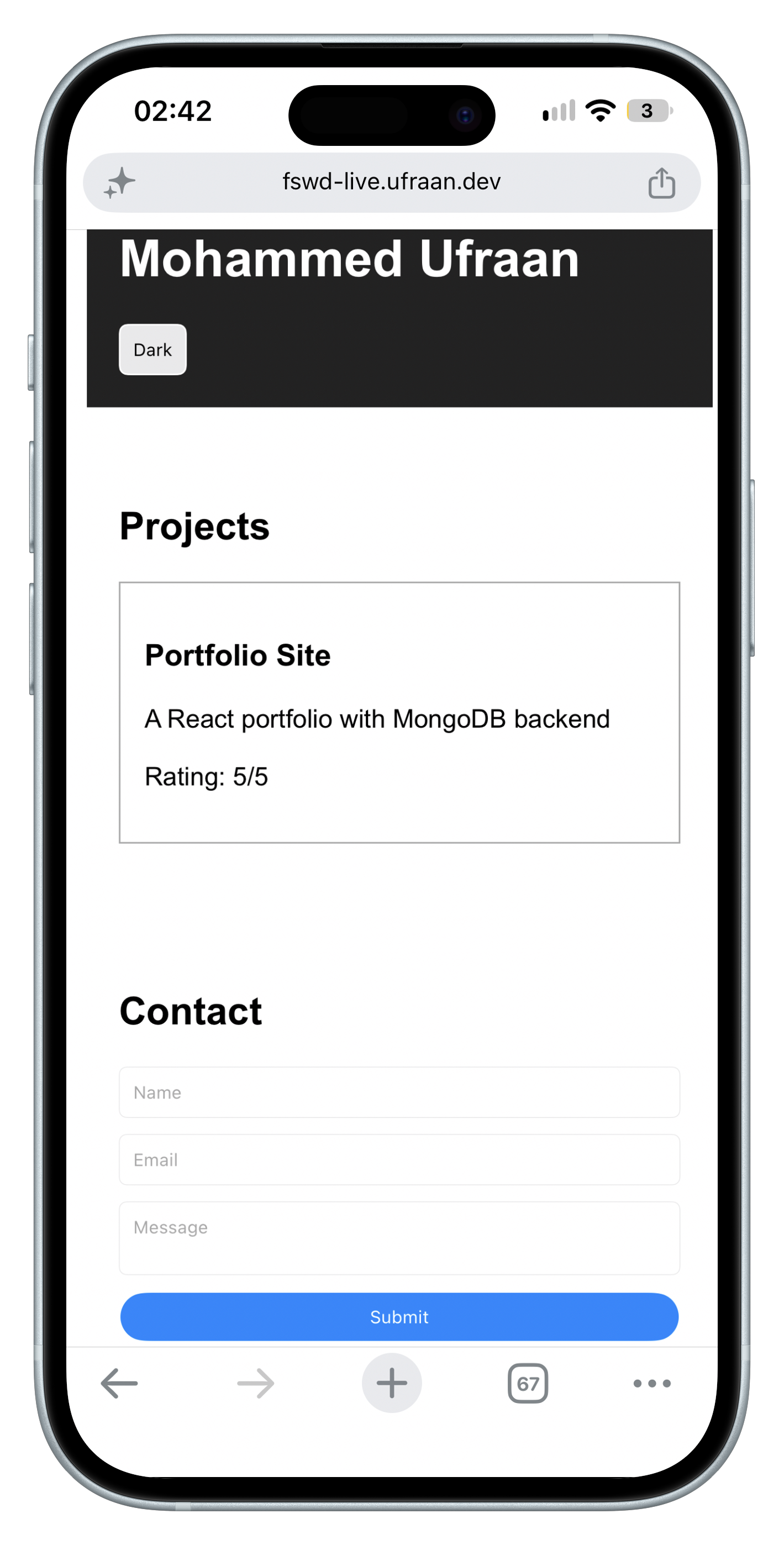
Live frontend — fswd-live.ufraan.dev with projects
Live frontendDownload
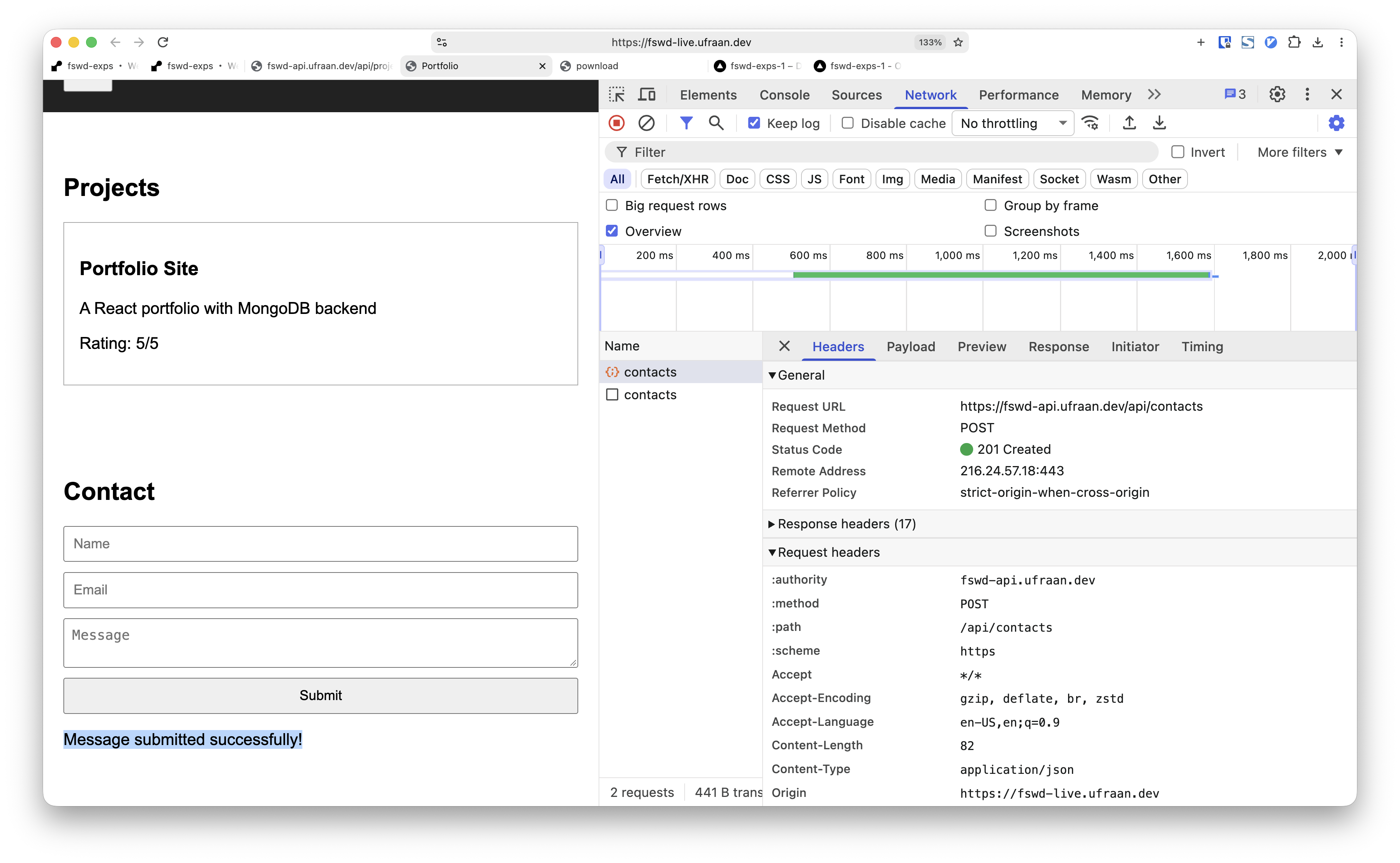
Contact form submitted successfully on deployed site
Contact form successDownload